

The Square Product Synchronization feature in WP EasyPay introduces seamless integration between your Square inventory and WP EasyPay forms, enabling merchants to directly sync simple products from their Square account into payment forms. This enhancement streamlines product management by replacing manual entry, allowing form builders to easily search, select, and sync products through a user-friendly interface.
Note: Ensure your Square Account is connected.
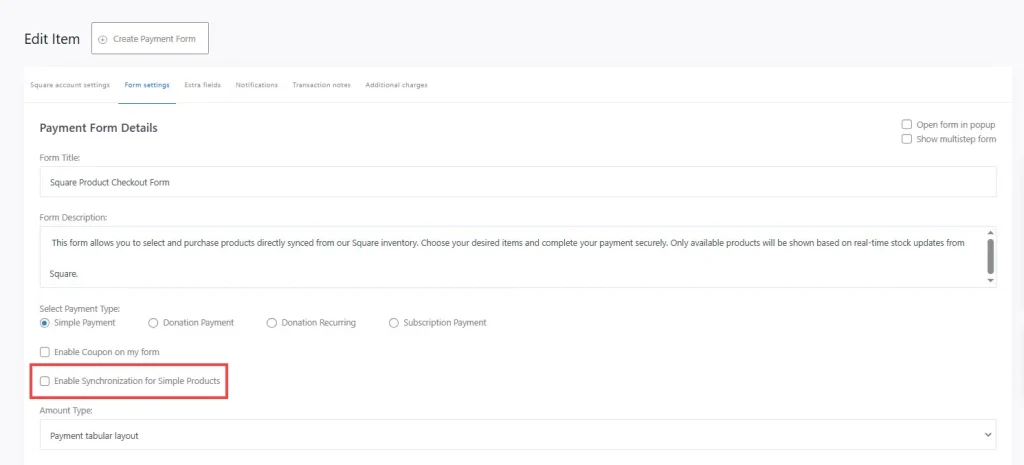
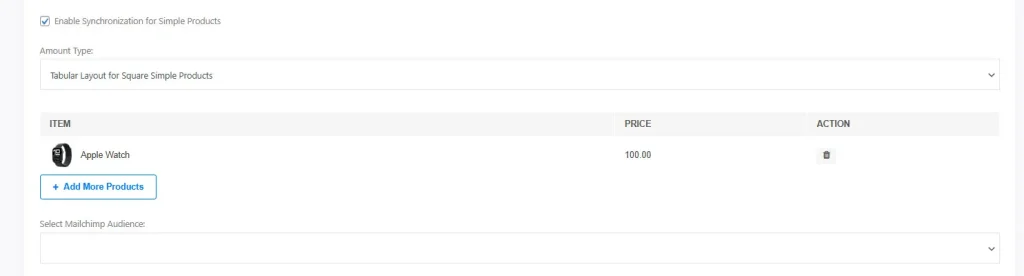
While creating the form in WP EasyPay, navigate to the Form Settings section and enable the option “Enable Synchronization for Simple Products” to activate the feature.
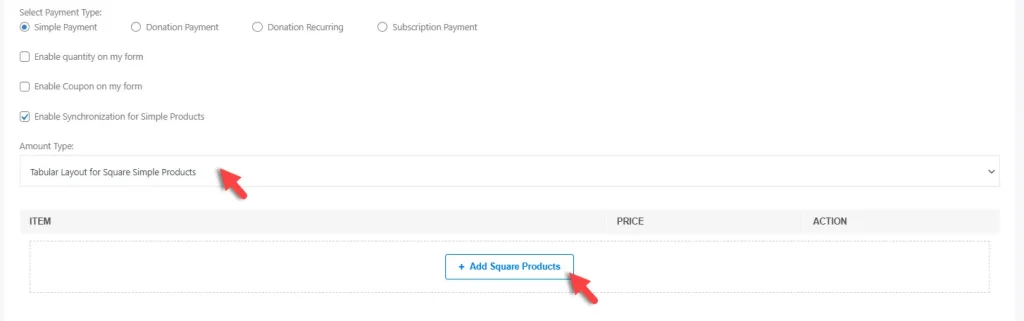
Once enabled, the Amount Type field will automatically select “Tabular Layout for Square Simple Products”. Then click on ‘Add Square Products’.
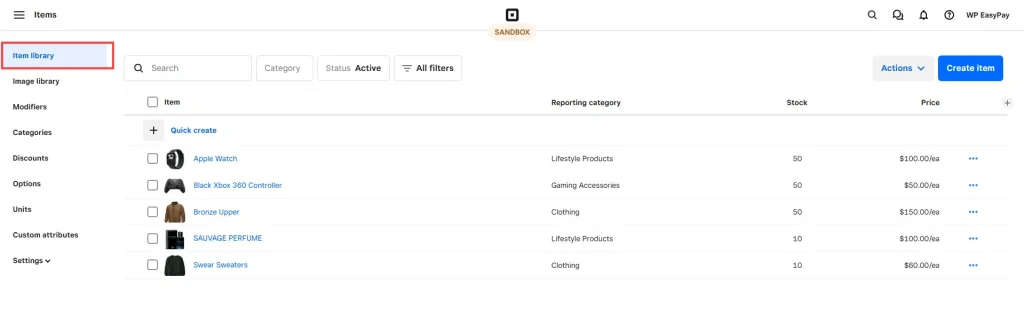
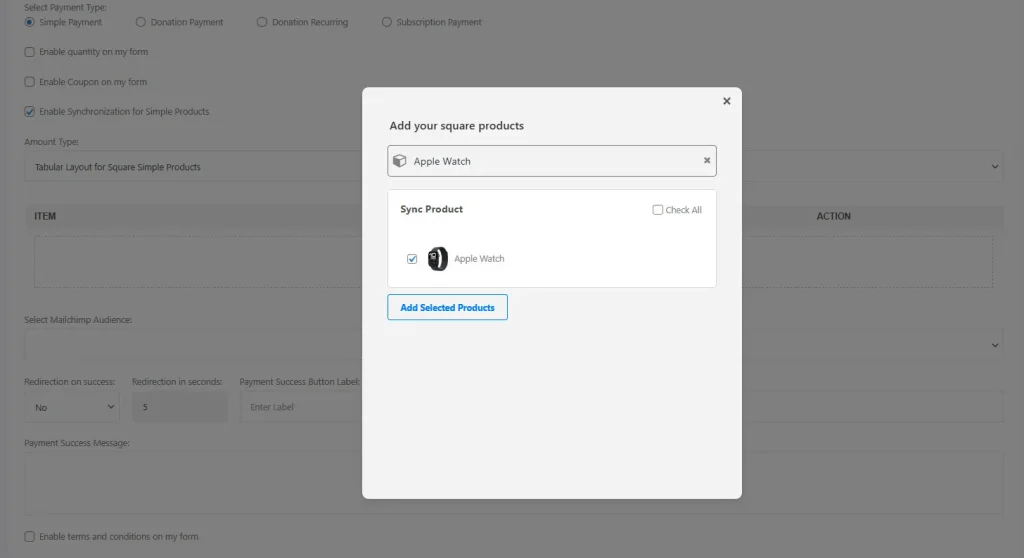
Search for the product from the Square Item Library, then click on “Add Selected Product” to include it in the form.
After adding the product to the form, proceed to publish the form.
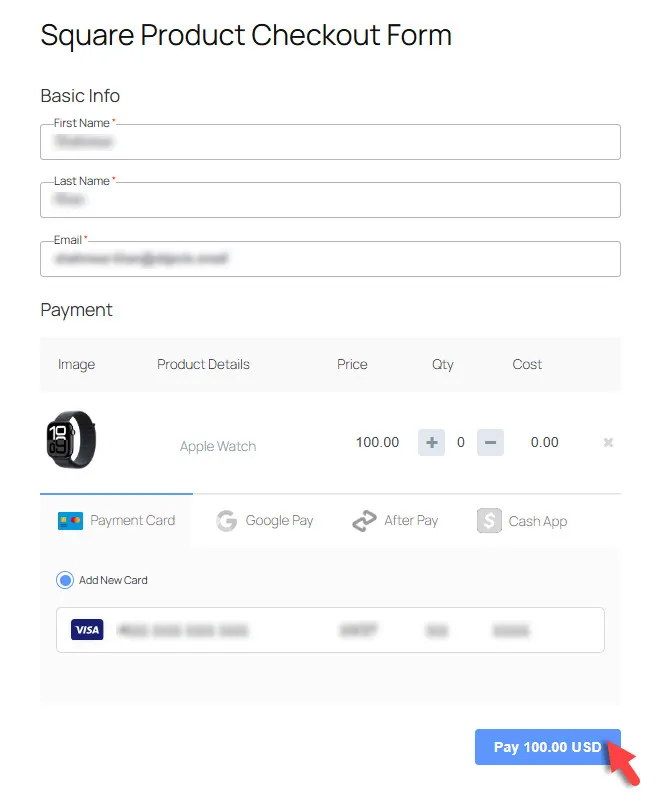
Your On the web page, the synced products will be displayed in a tabular layout, allowing users to view item details, adjust quantities, and proceed with payment seamlessly.Heading
Why Use Square Product Sync?
Make your payment forms smarter and faster! With Square Product Sync, you can instantly pull your products from Square into WP EasyPay forms, save hours of manual work, and ensure your inventory is always accurate. It’s the easiest way to offer a seamless checkout experience while keeping your product management effortless.