




Choosing the right payment plugin for WordPress can make it easier to accept credit cards, digital wallets, subscriptions, and donations without adding unnecessary checkout friction. Customers increasingly expect payment options such as Apple Pay, Google Pay, and buy now, pay later methods, along with fast, mobile-friendly checkout forms.
The best WordPress payment plugin depends on how you sell, which payment gateway you use, and what your customers expect at checkout. We compared nine popular options to help you find the right fit for payment forms, donations, subscriptions, and online sales.
We reviewed nine WordPress payment plugins using a consistent testing process. We evaluated installation and setup, payment gateway support, payment-form creation, recurring payments, donation features, mobile usability, pricing, transaction fees, documentation, and recent update activity. We tested the plugins on a clean WordPress installation and recorded our findings during the review process.
Review note: Pricing, gateway availability, and premium features can change. We checked the official plugin websites and pricing pages when preparing this comparison, but you should verify current pricing and gateway availability before purchasing.
What is a WordPress Payment Plugin and What to Look for in it?
A WordPress payment plugin enables you to accept online payments directly through your website. It connects your WordPress site to payment processors like Square, Stripe, PayPal, and other gateways, allowing customers to pay securely for products, services, subscriptions, bookings, or donations without leaving your site.
Payment plugins often include features such as customizable payment forms, recurring billing, digital wallet support, refund management, and reporting tools. Choosing the right plugin helps create a secure, reliable payment experience that encourages customers to complete their purchases.
When comparing WordPress payment plugins, consider the following factors:
- Security and PCI DSS: Check how the plugin handles payment-card data and which PCI DSS responsibilities remain with you. Look for integrations that use hosted payment pages, iframes, or gateway-hosted payment elements when appropriate, and confirm the gateway’s PCI DSS responsibilities and documentation. Trusted gateway integrations such as Square, Stripe, and PayPal help ensure secure payment processing.
- Supported Payment Methods: Look for plugins that support credit and debit cards, digital wallets like Apple Pay and Google Pay, PayPal, ACH payments, and other payment methods that are relevant to your customers.
- Ease of Setup: A straightforward installation process, guided onboarding, and simple configuration make it easier to start accepting payments without extensive technical knowledge.
- Customization Options: Select a plugin that lets you customize payment forms, recurring payment settings, and form fields so they align with your website and business requirements.
- Pricing & Transaction Fees: Review both the plugin’s pricing and any additional transaction fees. Some plugins are free to use but charge an extra fee on each transaction unless you upgrade to a premium plan.
- Compatibility: Make sure the plugin works well with your WordPress theme, page builders, membership plugins, and other tools on your website.
- Mobile Responsiveness: A mobile-friendly payment experience helps customers complete payments easily on smartphones and tablets, thereby improving conversion rates.
- Customer Support & Documentation: Reliable customer support, detailed documentation, and regular updates make it easier to resolve issues and keep your payment system running smoothly.
Taking these factors into account will help you choose a WordPress payment plugin that supports your current requirements and continues to meet your needs as your website grows.
How We Evaluated These Payment Plugins
We installed each plugin on a clean WordPress test site and used PHP 8.3. We recorded the plugin version, WordPress version, setup process, and key payment features during testing. For each one, we checked:
- Which gateways it actually connects to (Stripe, Square, PayPal, and beyond)
- Setup time from install to a functional payment form
- Support for recurring payments, subscriptions, and donations
- Free version limits and real pricing, including transaction fees
- Payment form mobile experience
- How current the plugin is (last update, changelog activity)
None of this is lab-grade benchmarking. It’s the same process a store owner would go through if they spent an afternoon actually trying these tools instead of reading a spec sheet.
Quick Comparison Table:
| Plugin | Best for | Main gateways | Starting price |
| WP EasyPay | Square payments and donations | Square | Free, premium ~$69/yr |
| WP Simple Pay | Stripe payment forms | Stripe | ~$49.50/yr |
| Paymattic | Donation campaigns | Stripe, PayPal, Square (pro) | ~$59.50/yr |
| WP Full Pay | Installments and subscriptions | Stripe | ~$79.50/yr |
| WPForms | General forms plus payments | Stripe, PayPal, Square | Pro ~$199.50/yr for payments |
| GiveWP | Donation campaigns and donor tracking | Stripe, PayPal | Free, paid plans from ~$149/yr |
| Charitable | Theme-matched donation forms | PayPal, Stripe (pro) | Free, paid plans from ~$69/yr |
| Formidable Forms | Complex forms with a payment step | Stripe, PayPal, ACH, Klarna | ~$39.50/yr, payments need Business tier |
What to Look for Before Picking a Payment Plugin
A payment plugin sits between your customer’s money and your bank account, so the decision is worth more than deciding on a visual.
- Security. Look for PCI DSS compliance, tokenization (so raw card numbers never touch your server), and SSL enforcement.
- Gateway support. Stripe and PayPal cover most of the world, but Square matters a lot for US-based service businesses, and local methods like iDEAL, Pix, or bank transfers matter if you sell outside the US and Europe’s main markets.
- Recurring and subscription billing. If you plan to sell memberships, courses, or anything recurring, check whether the plugin handles failed payment retries and dunning on its own, or whether you’re building that logic yourself.
- Mobile experience. Over half of ecommerce traffic checks out on a phone now. A form that’s fine on a laptop can be a nightmare to fill in on a 6-inch screen.
- Pricing that’s actually clear. Watch for plugins that quote “monthly” pricing but bill annually, or that hide a per-transaction fee unless you buy the paid license. Read the fine print before you pick one.
List of 8 best Payment Plugins for WordPress
Choosing the best payment plugin for WordPress can largely influence your store’s conversions and customer trust. To help you stay ahead of evolving customer expectations, we’ve evaluated today’s leading tools based on security, gateway support, customization, and overall ease of use. Below are the 8 best payment plugins for WordPress in 2026, carefully reviewed to help you make an informed decision.
1. WP Easy Pay

WP Easy Pay is a WordPress payment plugin built around Square that lets you create customizable payment, donation, and subscription forms. It fits businesses, nonprofits, and service providers that want to accept Square payments without setting up a full e-commerce platform. Its combination of simplicity, flexibility, and robust features ensures that both administrators and visitors enjoy a smooth experience.
You can customize payment forms, add them to WordPress pages, and use advanced form layouts for different payment and donation workflows. Premium features include recurring billing, subscription management, digital wallets, advanced reporting, and additional payment-form fields. The plugin is mobile-friendly, ensuring supporters can donate on any device, and it integrates seamlessly with Square for secure, fast payments.
Pros:
- Quick and easy setup with no coding required.
- Fully customizable payment forms.
- Mobile-optimized for payment from any device.
- Secure Square integration for real-time payments.
- Multiple form display options: embedded, pop-up, or multi-step wizard.
- Reliable customer support and regular updates.
Cons:
- Some advanced features are available only in premium plans.
Pricing:
Like almost every WordPress plugin, the core plugin is free. However, you would have to pay for premium features.
2. WP Simple Pay
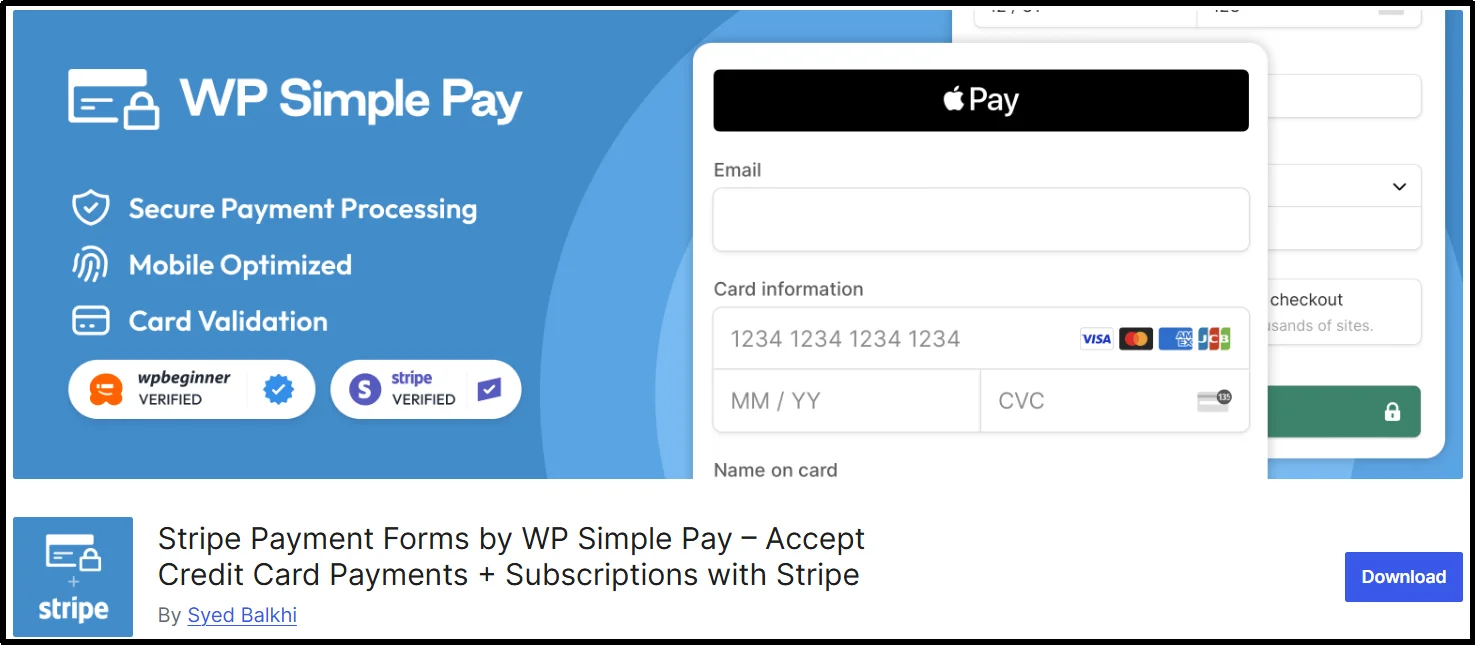
WP Simple Pay is a WordPress payment plugin that enables easy one-time and recurring payments without the need for a full e-commerce setup. It integrates seamlessly with Stripe, allowing secure payments directly on your site.
Ideal for donations, subscriptions, and simple sales, it features a user-friendly drag-and-drop form builder, recurring payments, coupon codes, and custom fields. WP Simple Pay is mobile-responsive, PCI compliant, and ensures a smooth, secure payment experience on any device.
Pros:
- Quick setup with no coding required.
- Supports one-time and recurring payments.
- Fully responsive and mobile-friendly.
- Customizable payment forms with a drag-and-drop builder.
- Secure Stripe integration with PCI compliance.
- Supports coupon codes, email confirmations, and custom fields.
Cons:
- Only works with Stripe.
- Some advanced features require the Pro version.
Pricing:
Once again, the core plugin is free, but the premium features will cost a pretty penny, starting from $49.50 per year.
3. Paymattic
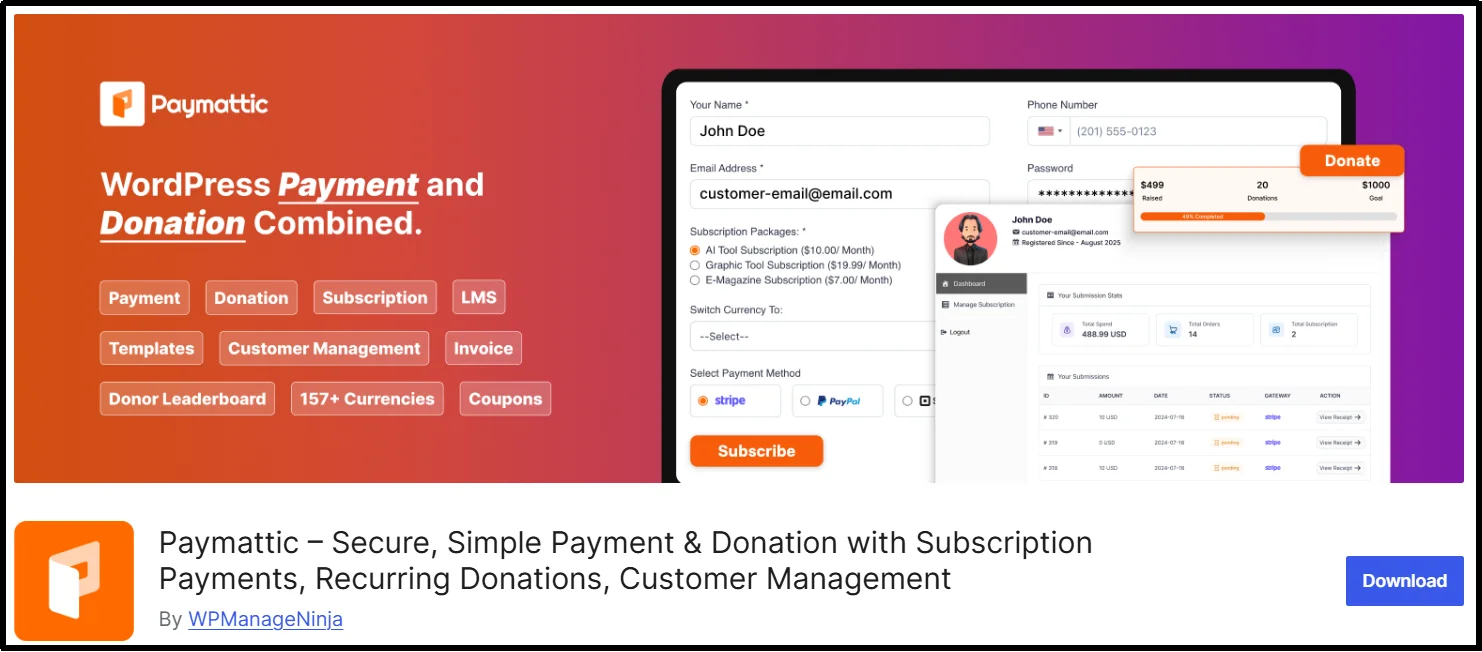
Paymattic is a versatile WordPress plugin for donations and payments, ideal for nonprofits, personal projects, and small businesses. It supports Stripe and PayPal, enabling secure payments globally, with no coding required for setup.
The plugin allows you to create one-time or recurring donation forms, customize fields, and add progress bars to engage donors. It also includes donor management, analytics, and integrates with email marketing tools like Mailchimp and FluentCRM for automated communication. Paymattic is mobile-friendly, supports multiple currencies, and provides detailed insights to optimize campaigns.
Pros:
- Quick and easy setup with no coding required.
- Supports Stripe, PayPal, and multiple currencies.
- Accepts one-time and recurring donations.
- Progress bars and visual elements to engage donors.
- Real-time donor tracking and analytics.
- Automated emails and CRM integration.
Cons:
- Many advanced features are available only in premium plans.
- No Square payment gateway support.
- Free version has limited functionality.
Pricing:
While you have a limited free plugin, you will have to pay for premium features. The pricing plans are a conundrum: prices are quoted on a “monthly” basis, but at checkout you will have to pay for an entire year. The lowest plan is $59.5 for a single-site license, thanks to a special “first year” discount. Plus, lifetime plans start from $233.
4. WP Full Pay
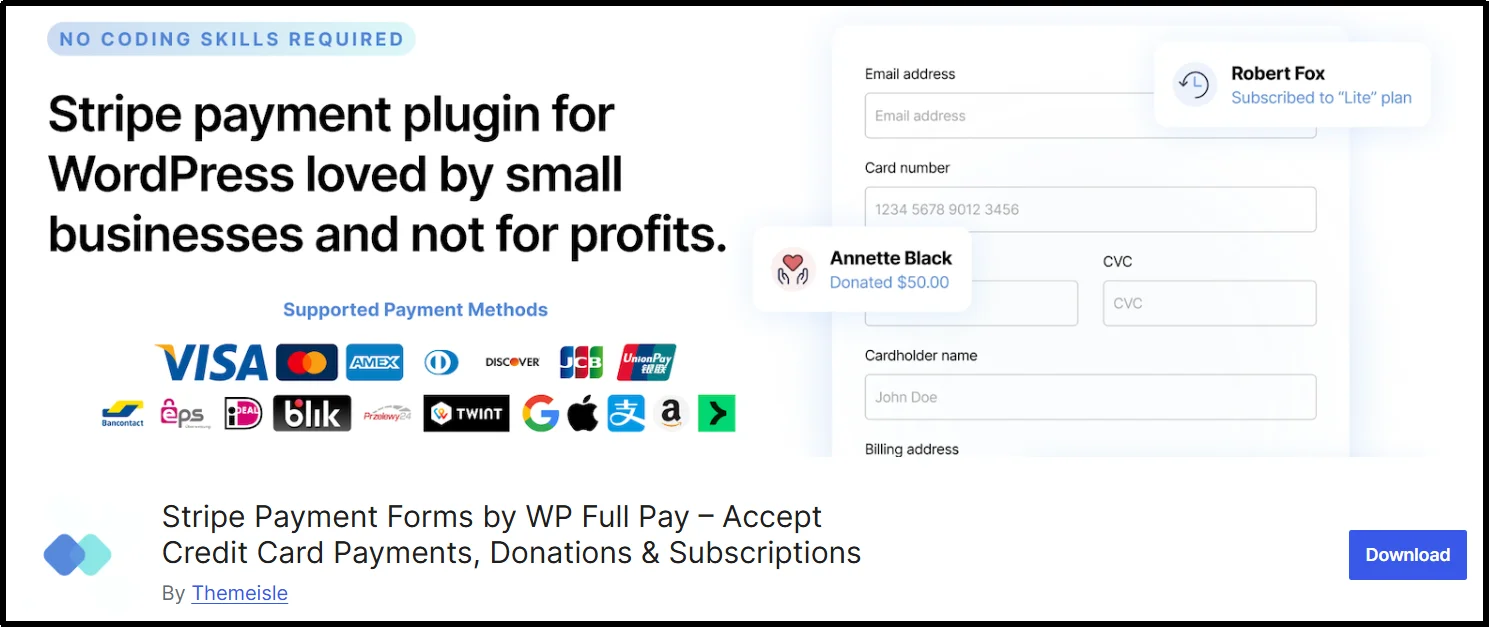
WP Full Pay is a WordPress plugin that handles one-time payments, subscriptions, and installment billing through Stripe. Built for membership and course sites, it automates subscription renewals and cancellations without requiring custom code and provides hooks and filters to extend it further if needed.
Pros:
- Handles one-time payments, recurring subscriptions, and installment plans in a single plugin.
- Automates renewals and cancellations, eliminating the need for manual tracking.
- Lightweight and fast, without the overhead of a full membership plugin.
- Developer-friendly with hooks and filters for custom setups.
- Quick installation with a straightforward setup process.
Cons:
- Works with Stripe only, so there are no PayPal or Square options if your customers expect them.
- The free version charges a 5% fee per transaction, which adds up fast for higher-volume stores.
- Fewer advanced reporting and analytics tools than dedicated membership plugins like MemberPress.
- Narrower feature set overall compared to premium subscription and billing plugins built specifically for memberships.
Pricing:
The core plugin is free, but transactions on the free version carry a 5% fee. The Basic paid plan starts at $79.50/year (introductory price, renews at $159/year) and removes that transaction fee.
5. WPForms
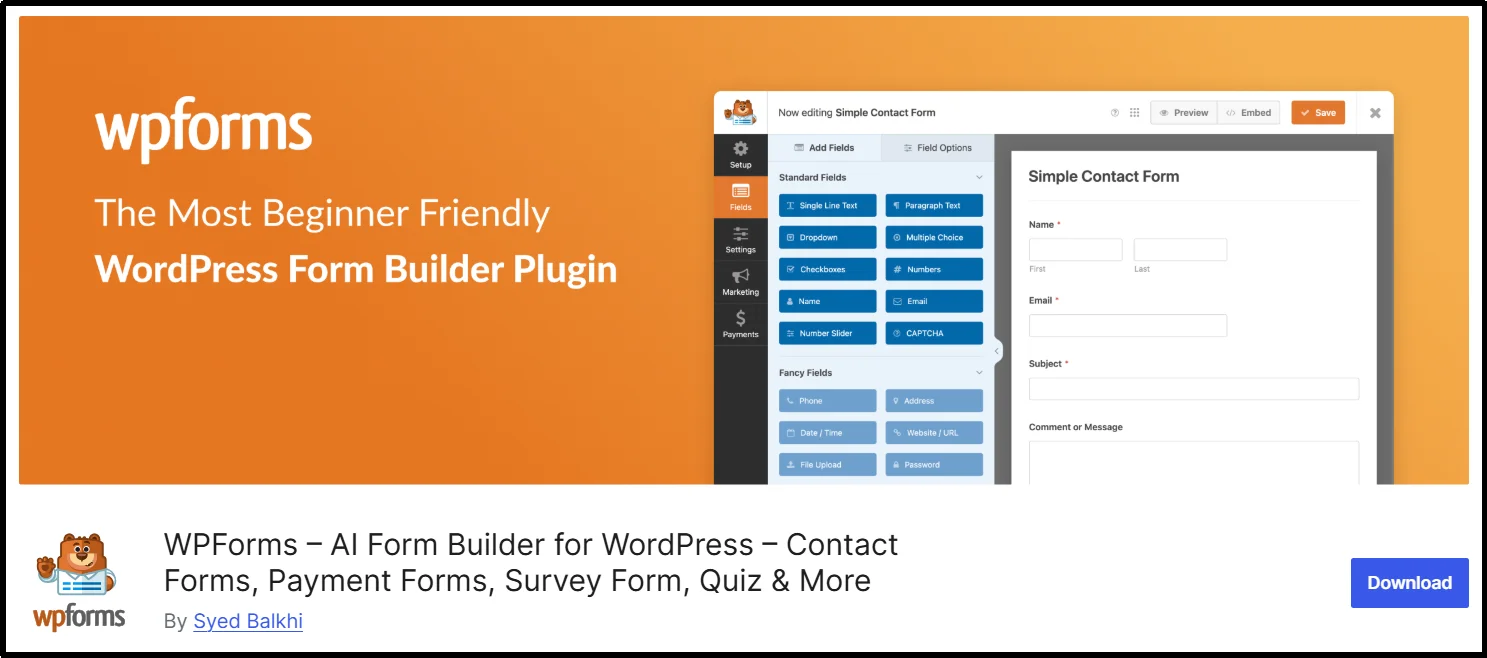
WPForms is a drag-and-drop form builder for WordPress that also supports payment collection via Stripe, PayPal, and Square. While it started as a contact form plugin, its payment features let you create order, donation, and simple checkout forms using the same builder you’d use for any other form on your site. It’s a solid pick for sites that need general form building and payment collection in one place rather than running separate plugins for each.
Pros:
- Familiar drag-and-drop builder that most WordPress users already know how to use.
- Connects to Stripe, PayPal, and Square without custom code.
- Doubles as a full form solution for surveys, lead capture, and event registrations, not just payments.
- Large template library to speed up setup.
- Conditional logic lets you show or hide payment fields based on earlier answers.
- Regularly updated with an active support team.
Cons:
- Payment fields are locked behind the Pro plan and are not available on the free Lite version or the entry-level Basic tier.
- Not built specifically for payments, so it lacks dedicated features like subscription management or donor dashboards.
- Pricing climbs quickly if you need payments plus multi-site use.
Pricing:
WPForms Lite is free but doesn’t include payment fields. Paid plans start at $49.50/year for Basic, but Stripe and PayPal payments require the Pro plan, which starts at around $199.50/year for the first year and renews at a higher rate.
6. GiveWP
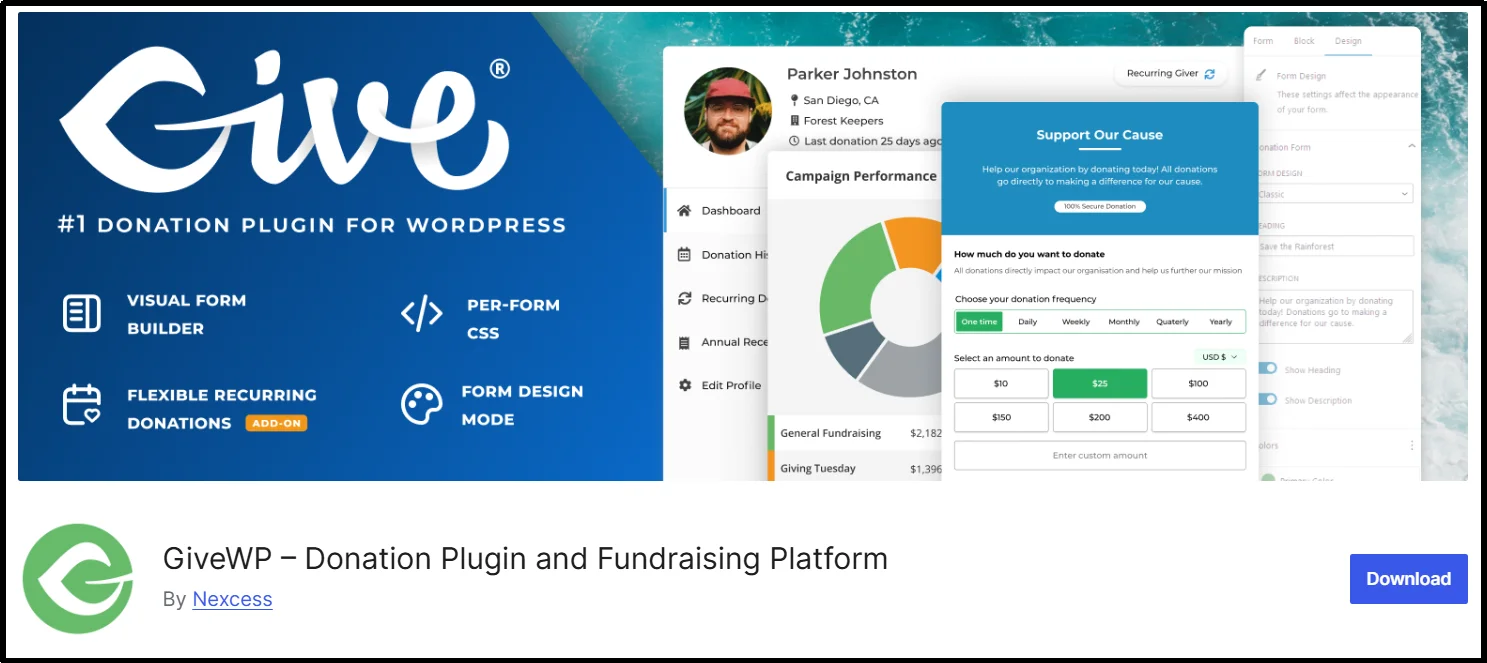
GiveWP is a donation-focused plugin built for nonprofits, churches, and fundraising campaigns. Instead of general payment forms, it’s structured entirely around donations, with donor profiles, campaign pages, and giving reports built into the core plugin. The free version connects to Stripe and PayPal with no platform fee taken on top of standard processing rates.
Pros:
- Purpose-built for donations rather than adapted from a general form or payment tool.
- Free version includes Stripe and PayPal with no extra platform fee.
- Donor management and reporting are native features, not add-ons.
- Trusted by a large number of nonprofit sites, so documentation and community support are extensive.
- Customizable donation forms with goal progress bars and suggested amounts.
Cons:
- Recurring donations and peer-to-peer fundraising are behind paid plans and not included for free.
- Being donation-specific, it’s awkward to use for a straightforward product or service sale.
- Some advanced features and premium support are locked behind the higher tiers.
Pricing:
The core plugin is free. Paid plans start at around $149/year, with higher tiers at $349/year and $499/year that unlock recurring donations and peer-to-peer fundraising.
7. Charitable

Charitable is another donation-first plugin, similar in purpose to GiveWP but built to inherit your site’s existing theme styling more closely. Hence, donation forms look native rather than like an embedded widget. The free version covers basic one-time donations through PayPal.
Pros:
- Forms pick up your theme’s styling automatically, so they blend in rather than looking like a bolted-on widget.
- Supports peer-to-peer fundraising and crowdfunding-style campaigns on paid tiers.
- The free version is enough to accept basic PayPal donations without paying anything.
- Straightforward campaign setup for organizations running multiple fundraising drives.
Cons:
- Stripe support, recurring donations, and anonymous giving all require a paid license.
- Like GiveWP, it’s built specifically for donations, so it’s not a natural fit for regular product or service payments.
- The free version alone is fairly limited compared to competitors’ free tiers.
Pricing:
The core plugin is free. Paid plans start around $69/year (regularly $149/year), with higher tiers unlocking Stripe, recurring donations, and crowdfunding features.
8. Formidable Forms
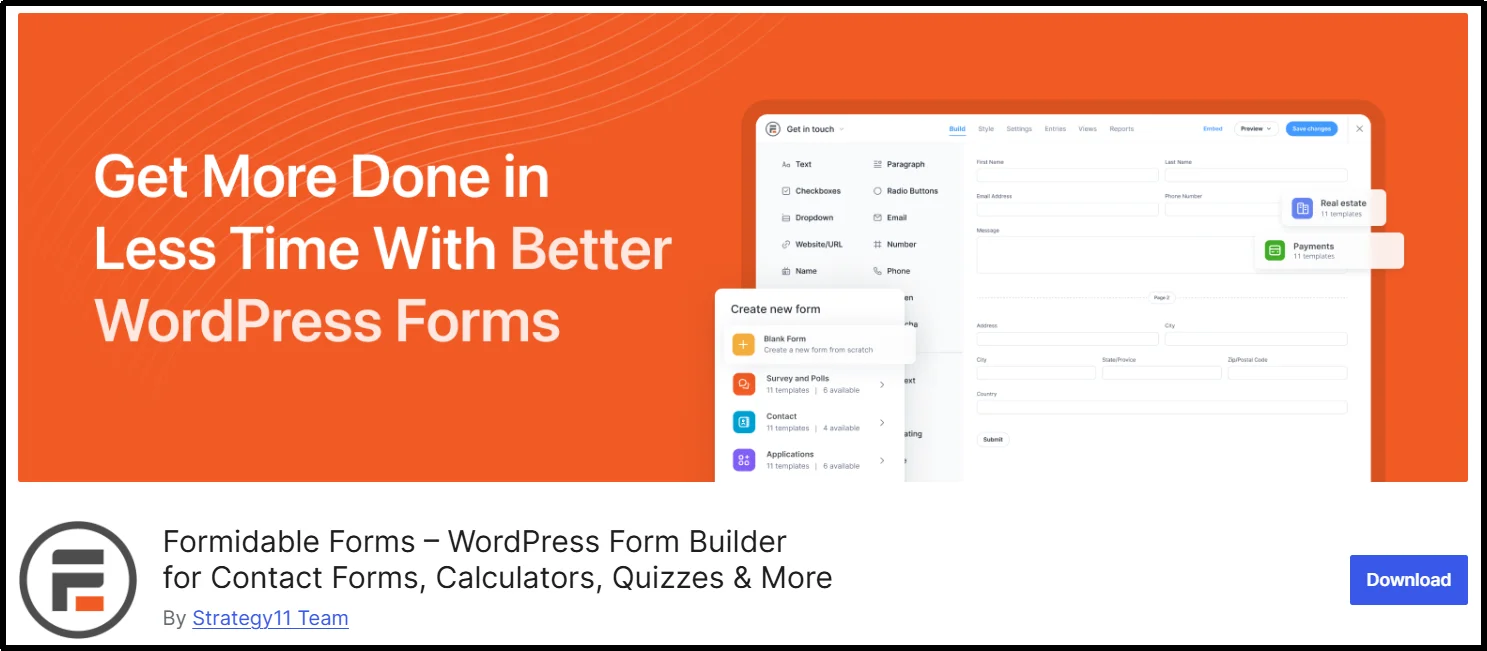
Formidable Forms is a more advanced form builder than WPForms, closer to a lightweight application builder, with payment collection as one feature among its capabilities, along with calculations, conditional logic, multi-step forms, and repeater fields. It supports Stripe and PayPal, along with newer options like ACH, Cash App, and Klarna on higher tiers.
Pros:
- Handles complex forms with calculated fields and conditional logic that simpler form plugins can’t.
- Payment fields fit naturally into bigger forms, such as an order form with product options or an application that requires a deposit.
- No transaction fees charged by the plugin itself with a valid license, only standard Stripe or PayPal processing rates.
- Supports a wider range of payment methods than most form-based plugins, including buy now pay later options.
Cons:
- Overkill if a simple payment or donation form is all you need.
- Payment integrations require a higher-tier plan, not the entry-level license.
- Steeper learning curve than WPForms or WP Simple Pay for anyone new to form builders.
Pricing:
Plans start at around $39.50/year for basic form building, with no payments. Stripe and PayPal payment fields require a Business-level plan or higher, which can increase the effective cost if payments are the main reason you’re buying it.
How to Choose the Right Payment Plugin for WordPress
Start with the payment gateway you are already familiar with, or the one your customers trust most. If you’re a US service business already invoiced through Square, WP Easy Pay keeps everything in one account. If your audience expects PayPal, fighting that with a Stripe plugin is a waste of time.
If you’re selling a single service, course, or accepting donations, a standalone form builder like WP Easy Pay, WP Simple Pay or Paymattic gets you there faster.
The Payment Chain – Workflow
A lot of the confusion around WordPress payment plugins stems from not knowing what each component actually does. Here’s the short version:
- Plugin is the interface on your site where the customer enters payment info.
- Payment Gateway provides the technology that securely transmits payment information between the customer, merchant, and payment-processing system. Stripe, Square, and PayPal provide gateway and/or payment-processing services depending on the payment flow.
- Merchant Account is a specialized account that allows a business to receive card-payment funds before settlement to its business bank account. Some modern payment providers combine merchant-account and payment-processing functions into a single service.
- Payment Processor handles transaction processing and communication with the relevant payment networks and financial institutions so the payment can be authorized and settled.
- Settlement is the stage when processed funds move to the merchant’s bank account. Settlement timing varies by payment provider, country, payment method, account status, and payout settings, so don’t assume a universal one-to-three-business-day timeframe.
A properly configured payment integration can reduce the amount of cardholder data that reaches your WordPress environment by using hosted payment pages, embedded payment elements, or tokenization. However, the applicable PCI DSS requirements depend on how your payment flow works. Do not assume that every WordPress payment form qualifies for SAQ A; merchants must meet the specific eligibility criteria for the applicable Self-Assessment Questionnaire.
Tips for Payment Optimization
A good gateway doesn’t fix a bad payment form. A few things that consistently reduce abandonment:
- Offer Apple Pay and Google Pay when your payment gateway and business location support them. Digital wallets can reduce the amount of information customers need to enter during checkout.
- Keep the form to the fields you actually need, not every field the plugin defaults to
- Display relevant trust signals near the payment form, such as accepted payment methods, secure-checkout messaging, refund policies, and recognizable payment-brand logos. Avoid displaying security badges that you cannot substantiate.
- Test on an actual phone, not just a resized browser window
Which WordPress Payment Plugin Is Right for You?
The best payment plugin for WordPress depends on what you sell, how you want customers to pay, and which payment gateway your business already uses. If you need Square payment forms for payments, donations, or subscriptions, WP Easy Pay is a strong choice. If you primarily use Stripe, WP Simple Pay or WP Full Pay may fit your needs better. For nonprofit fundraising, GiveWP or Charitable offer donation-focused features, while Formidable Forms and WPForms work well if you need payment collection alongside advanced forms.
Before you make your final choice, compare the payment gateways, transaction fees, recurring payment features, supported payment methods, customization options, and pricing. Then test your preferred plugin in a staging environment, complete a test transaction, and check the payment form on a real mobile device.
The right WordPress payment plugin isn’t necessarily the one with the most features. It’s the one that supports your payment gateway, fits your business model, and gives your customers a simple way to pay.
Frequently Asked Questions
Do I need WooCommerce to accept payments in WordPress?
No. Plugins like WP Simple Pay, WP Easy Pay, and Paymattic work without WooCommerce and are often faster to set up if you’re not running a full product catalog.
Which plugin is easiest for beginners?
Form-based plugins tend to be the quickest to get running since there’s no product catalog or shipping setup involved, just a form and a connected gateway account.
Is Stripe or PayPal better for WordPress?
Neither is universally better. Stripe offers extensive payment-method and checkout customization, while PayPal gives businesses access to a widely recognized payment brand and PayPal-specific checkout options. Compare the payment methods, countries, currencies, fees, and checkout experience available for your business.
Can I use more than one payment gateway at once?
Yes, if the plugin and payment setup support multiple gateways. Offering more than one payment method can give customers additional ways to pay, but each gateway adds another account, integration, and reconciliation workflow to manage.
Which plugin supports Square?
WP Easy Pay is built specifically around Square. Some others, like Paymattic, support it only on paid plans.
How do refunds work with these plugins?
Refund workflows vary by plugin and gateway. Some plugins let you initiate refunds from WordPress, while others direct you to the payment provider’s dashboard. Check the plugin’s documentation before assuming that refunds, partial refunds, or subscription cancellations work directly inside WordPress.
Will a payment plugin slow down my site?
It can, if it loads scripts on every page rather than only on the payment form page. Test your site’s speed after installation, and turn off any scripts you don’t need on pages that don’t have a payment form.
Which plugin works best for donations?
WP Easy Pay and Paymattic can support donation workflows, but their features differ by plan. Compare recurring donations, custom donation amounts, donor management, campaign progress, reporting, payment gateways, and transaction fees before choosing one.
Can I accept international payments?
Most of the plugins here support multiple currencies through their gateways. However, local payment methods outside major markets vary widely, so check for methods relevant to where your customers actually are.