



If you search for the best crowdfunding plugin for WordPress, you will notice that many comparison articles feature outdated information. Authors often recommend plugins that developers no longer actively maintain, while others list old pricing and discontinued features.
We spent late July 2026 checking every plugin below against its official pricing page and its WordPress.org listing, so they reflect what’s actually true today.
To be precise, the right plugin depends on your campaign model:
- Simple donation forms → Donation form plugin
- Nonprofit fundraising → Donor management platform
- Multi-campaign crowdfunding → Marketplace plugin
Two things have changed since the last time most “best of” lists were written.
Themeum rebranded their direct-sale plugin, WP Crowdfunding, and now ships it as Growfund with new pricing. Meanwhile, developers haven’t updated Crowdfundly since March 2024, and it carries WordPress.org’s warning that it hasn’t been tested with the last three major WordPress releases.
We’ll cover the 6 best WordPress crowdfunding plugins in 2026, honestly, below.
Why Choose Self-Hosted Crowdfunding Over Kickstarter or GoFundMe?
Platforms like Kickstarter charge a 5% platform fee on top of standard payment processing, while GoFundMe relies on optional tips plus its own processing fees.
Running a campaign on your own WordPress site eliminates platform deductions. You retain full ownership of donor and backer data, preventing third-party applications from selling it.
That said, a plugin won’t do everything for you.
Even the best crowdfunding plugin can’t guarantee a successful campaign. It handles payments, donation tracking, receipts, and campaign management, but you’ll still need compelling storytelling, consistent promotion, and regular donor updates to reach your fundraising goal.
Crowdfunding Plugin vs. Hosted Platform: Fee Math
Here’s what the fee difference actually looks like on a real campaign. Say you raise $10,000.
On Kickstarter, you’d lose roughly 5% to the platform fee = $500 + payment processing 3% or so, putting total fees somewhere around $800–$1,000.
Running the same campaign through a self-hosted WordPress plugin, there’s no platform fee at all. You’d still pay standard payment processing (a common example is around 2.9% plus 30 cents per transaction, which lands near $320 on $10,000), plus whatever your plugin’s annual license costs – anywhere from around $49 to $399 depending on which one you picked.
Even on the higher end, that’s a meaningful amount kept in your campaign compared to a hosted platform.
One important caveat: no option here lets you keep 100% of what’s raised. Payment processors take their cut no matter which plugin you use – the savings come from cutting out the platform’s fee, not the processor’s.
What Should You Look for in a WordPress Crowdfunding Plugin?
Before you look at specific plugins, it helps to know what actually matters:
- Payment gateways. Square, PayPal, and Stripe cover most donors’ preferences. Check which gateways are included free versus locked behind a paid tier.
- Recurring donations. Monthly givers are valuable, but not every plugin includes recurring billing in its entry tier; some reserve it for a mid-level plan.
- Donor management and receipts. If you’re a registered nonprofit, automated tax receipts save you hours during tax season.
- Campaign model fit. A simple donation form, a reward-tier campaign platform, a front-end marketplace where users submit their own projects, and a native e-commerce setup are four different jobs – pick the plugin built for yours.
- Maintenance status. This is the one nobody else tells you to check, and it’s the biggest risk in 2026. Before you install anything, look at its “Last updated” date on WordPress.org. A plugin that hasn’t been touched in two or three years is a liability.
The 6 Best WordPress Crowdfunding Plugins in 2026
We evaluate every plugin using the same criteria: key features, what it costs (verified against its official page), and who it’s best for. No plugin’s weaknesses are padded out with a plug for another product – each one stands on its own.
1. WP Easy Pay

WP Easy Pay takes the top spot because it solves the problem most people searching this exact query actually have: they need a reliable, professional donation and campaign form live on their site quickly, without wrestling with a heavyweight campaign platform they’ll never fully use.
Key features:
- Built on Square, supporting one-time and recurring donation plugin WordPress workflows.
- Accepts all major Credit/Debit Cards, digital wallets such as Apple Pay, Google Pay, Cash App, Afterpay, ACH payments, and even Square Gift Card.
- Square Terminal Support.
- Achieves full PCI compliance and SCA readiness.
- Sandbox/test mode to verify payments before going live
- Spam protection via reCAPTCHA, hCaptcha, or Cloudflare Turnstile
- Drag-and-drop, multi-step form builder that works with Gutenberg, Elementor, and Beaver Builder
- Suggested donation tiers alongside a custom amount field
- Donor self-service subscription management (pause/resume)
Pricing:
Free version available. Paid plans include Standard ($69/year), Professional ($99/year), and Business ($129/year), with a lifetime license option and a 14-day money-back guarantee.
Best for:
Non-profits, churches, schools, and event organizers who want a professional donation form running in minutes, without the complexity of a full campaign platform.
Getting started:
Connect your Square account via OAuth, flip on sandbox mode to run a test transaction, then publish. If you want to see the full steps breakdown, our blogs have everything.
Want to launch your first fundraising campaign? Follow our complete step-by-step guide to set up crowdfunding in WordPress with WP Easy Pay in less than 30 minutes.
2. GiveWP
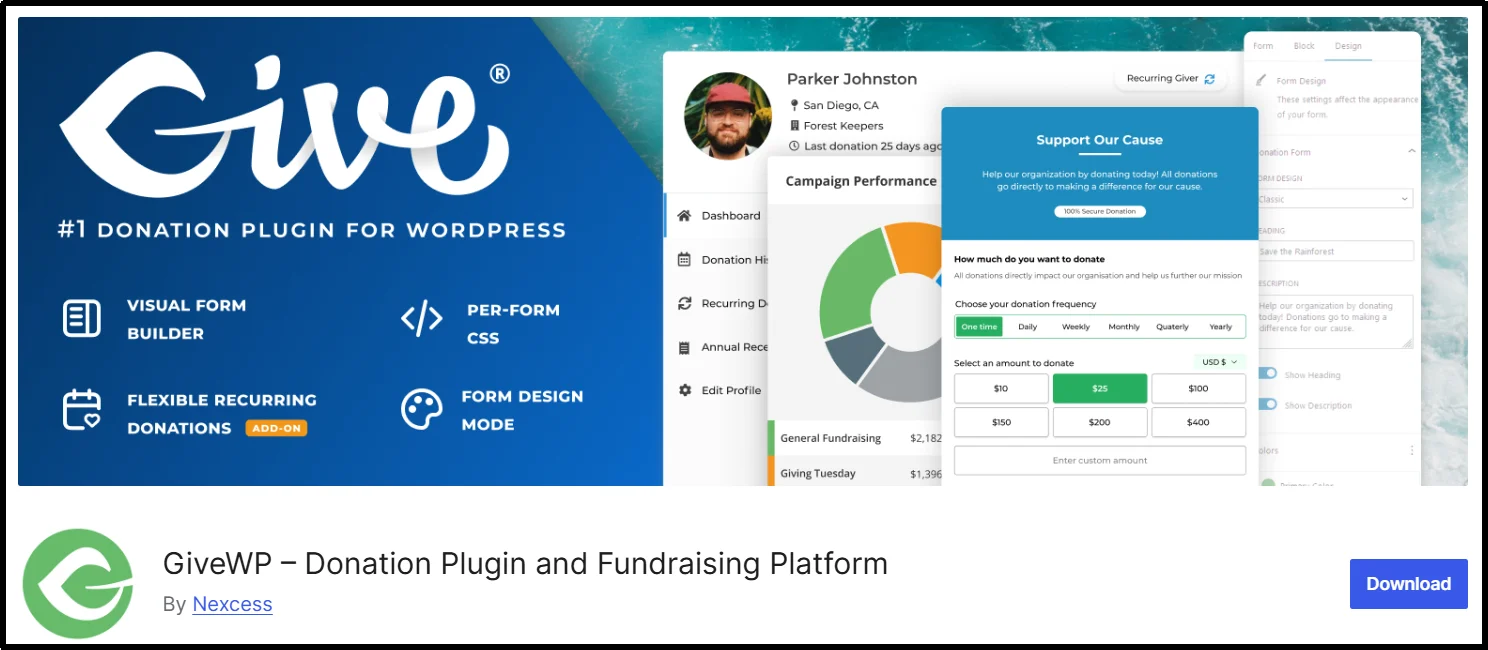
Most nonprofits eventually discover GiveWP, and for good reason: it operates as the most feature-complete donor management system on this list, with over 100,000 active installs and more than $350 million raised through the platform.
Key features:
- Free core: drag-and-drop forms, Stripe/PayPal/Square support, campaign goals with progress tracking, donor database, branded PDF receipts, text-to-give, Apple Pay/Google Pay
- Pro tier adds: recurring donations, donor self-service portal, tributes, fee recovery (donors can cover processing costs), Mailchimp/Constant Contact/Salesforce/Zapier integrations, 15+ international gateways
- Elite tier adds: peer-to-peer fundraising, fundraiser leaderboards, custom fields, currency switcher, custom donation upsells
Pricing:
Essentials $199/year, Pro $399/year, Elite $599/year. Note that GiveWP’s pricing structure changed from what older reviews still quote; if you’ve seen $149/$349/$499 listed elsewhere, that’s outdated.
Best for:
Nonprofits that need real donor management, detailed reporting, and room to scale into recurring and peer-to-peer fundraising.
Where it falls short:
GiveWP locks its most powerful features—recurring donations, fee recovery, and peer-to-peer fundraising WordPress tools—behind the Pro or Elite tiers, which is a real cost jump for a small team. It’s also built for donation-based giving, not reward-tier or marketplace-style crowdfunding.
3. Charitable

If budget is the deciding factor, Charitable’s free version is genuinely usable rather than a stripped-down trial. Unlimited campaigns and donation forms come standard, with no platform fee on any donation you collect; only standard payment processor fees apply.
Key features:
- Free plan: Stripe support, campaign templates, drag-and-drop builder, automated donor emails
- Premium adds: PayPal, Braintree, Mollie, Payrexx, and PayFast gateways, recurring donations, deeper email integrations
- Built-in Gift Aid support for UK-based organizations
- No platform fee on any donation collected
Pricing:
Free core; premium plans start at $69/year.
Best for:
Small organizations, churches, and schools that want a capable donation system without committing to a paid plan on day one.
Where it falls short:
Recurring donations and the more advanced email integrations require premium. Like GiveWP, it’s built for donation-style giving rather than reward-tier campaigns.
4. IgnitionDeck
IgnitionDeck stands as the most technical option on this list, and developers actively maintain it. They last updated its WordPress.org listing in mid-July 2026, which puts it well ahead of some of its older competitors.
Key features:
- Free, open-source core: Stripe Checkout with SCA support, PayPal, split payments
- Fee modification, letting donors cover processing costs
- Built-in CRM
- Front-end project creation so users can launch their own campaigns
- Mailchimp integration and data export
- Works with any theme; ships with a free companion theme called Fivehundred
- Premium tiers add: Authorize.net, Square, Paytm, and First Data gateways, recurring billing, pre-orders, white-labeling, multi-site support
Pricing:
Free version available; premium licenses start at around $149/year, with a 30-day refund window.
Best for:
Commercial or multi-project crowdfunding sites that want full ownership, white-labeling, and front-end submissions from other users.
Where it falls short:
It’s more technical to set up than a form-first plugin, and the full gateway lineup and white-label features require a premium license.
5. Growfund (formerly WP Crowdfunding by Themeum)
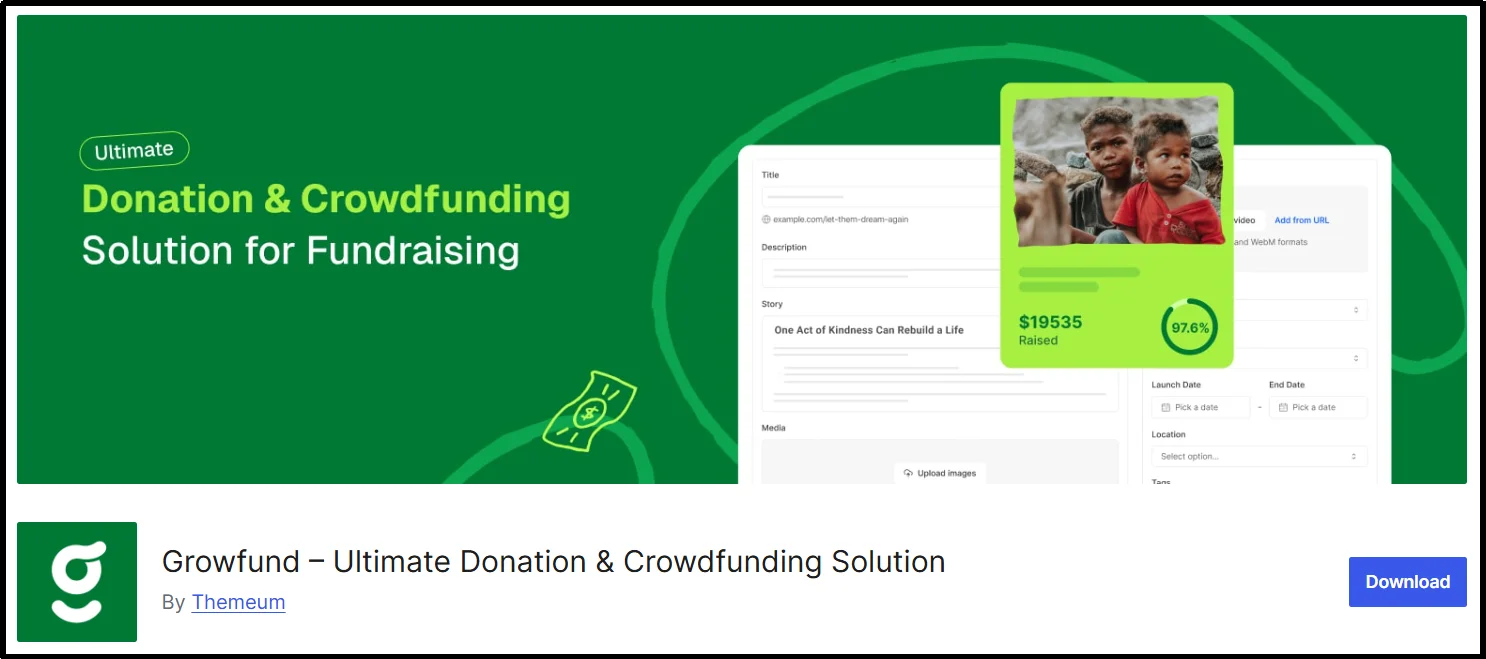
This is the plugin that most needs an update in every existing roundup. Themeum’s original WP Crowdfunding product page now redirects to Growfund, its rebrand, and the legacy WordPress.org listing for “WP Crowdfunding” hasn’t been updated since July 2025 and carries a warning that it hasn’t been tested against the last three major WordPress releases. If you’re going to use this plugin family in 2026, you want to be signing up for Growfund directly, not installing the old listing.
Key features (Growfund):
- Reward-based and donation-based campaign modes
- Unlimited campaigns
- Rewards with shipping controls
- Multiple fundraisers per campaign (paid plans)
- PayPal, Stripe, and offline payment options
- No platform fee on funds raised
- Built-in PDF tax receipts
- Anonymous, tribute, and company donations
- Campaign approval workflow; data stays on your own site
Pricing:
Free version available; Essential plan from $149/year (shown with an introductory discount at the time we checked), with Advanced and Enterprise tiers above that, plus a 30-day guarantee.
Best for:
Kickstarter-style sites where other users submit and run their own reward-based campaigns.
Where it falls short:
Campaigns run in either reward mode or donation mode, not both simultaneously, and getting the full gateway range requires WooCommerce. As a newer rebrand, it’s also a less battle-tested product than some of the others on this list.
6. WP Simple Pay
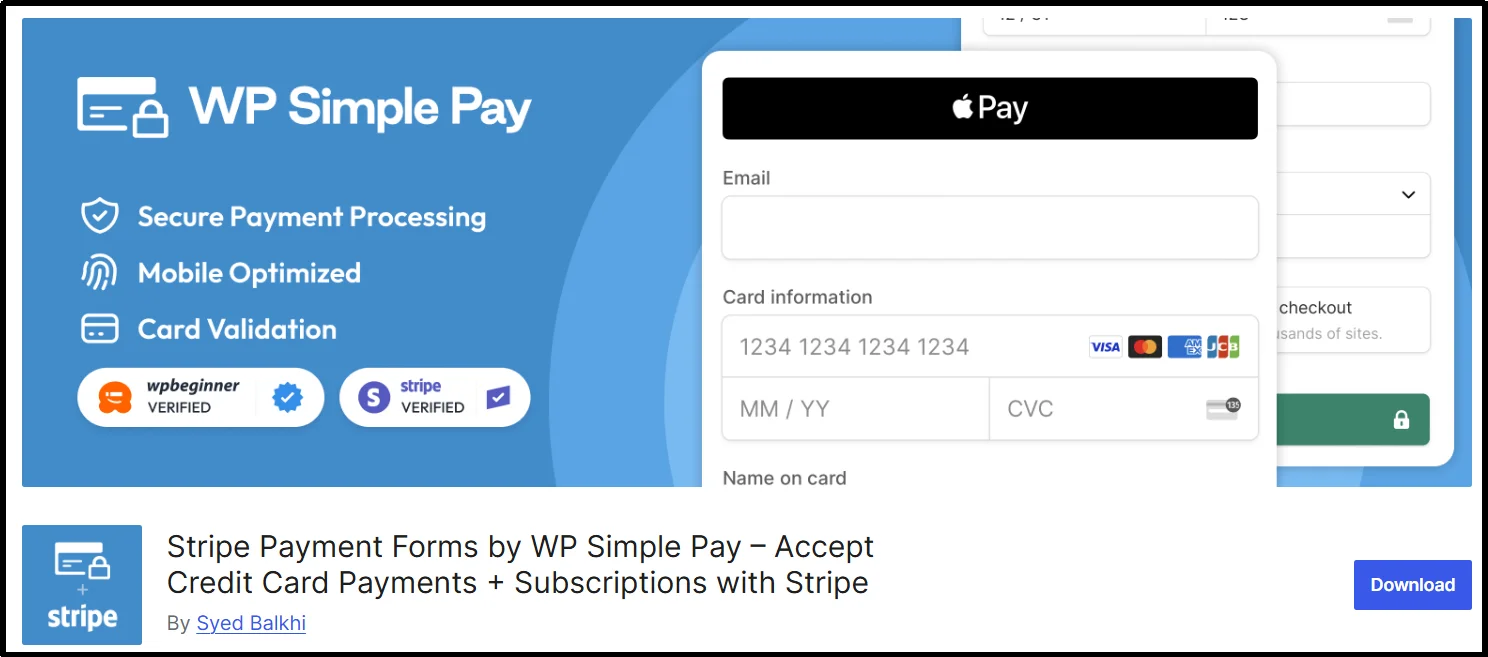
Not every site owner needs a full campaign platform. Sometimes you just want a “Donate” button on an existing page, and WP Simple Pay solves exactly that.
Key features:
- Stripe-native, with no store or checkout page required
- Embeddable payment form for anywhere on your site
- Apple Pay, Google Pay, and ACH support
- Suggested giving tiers
- Pro tier adds subscription plans for recurring gifts
Pricing:
Free version available; paid plans start from $49.50/year.
Best for:
Anyone who wants a quick, embeddable donate button without setting up a campaign structure around it.
Where it falls short:
There are no progress bars, campaign deadlines, reward tiers, or donor CRM – it’s a payment button, not a fundraising platform.
How to Launch your First Campaign (5 Steps)
- Choose your model. Decide whether you need a donation form or a full campaign platform, then install the matching plugin from the list above.
- Connect your payment gateway in test mode first. Use Square’s sandbox for WP Easy Pay, or test keys for Stripe and PayPal, before any real money moves.
- Build the campaign. Set your goal and deadline, add suggested donation amounts alongside a custom amount field, and write the story with a supporting image or video.
- Run a full test transaction. Confirm the receipt email arrives, check that the donation shows up correctly in your dashboard, and verify the fee breakdown on the processor side.
- Go live and publish an update within the first week.
Before you flip the switch, run through this checklist: test-mode payment confirmed, refund handling works, receipt delivery works, mobile view looks right, currency displays correctly, and spam protection is active on your forms.
Common Mistakes that Sink WordPress Crowdfunding Campaigns
Picking a plugin that’s no longer maintained.
This is the top mistake we see going into 2026. Always check the “last updated” date on WordPress.org before installing – plugins like Crowdfundly (last updated January 2023) haven’t kept pace with recent WordPress core releases.
Hiding fees from donors.
When a donation total quietly grows because of processing fees, donors notice, and some abandon the transaction. Either use a fee-recovery option (available on GiveWP Pro, for example) or be upfront about it.
Offering only one donation amount.
Skipping suggested tiers and a custom amount field tends to lower your average gift size – give donors a reasonable range to anchor on.
Never testing the payment flow before launch.
Skipping sandbox/test mode is how organizations discover a broken checkout in the middle of a live campaign.
Ignoring mobile.
A large share of donations now come from phones, so a form that looks great on desktop but breaks on mobile is costing you gifts.
Going silent mid-campaign.
Backers and donors drift away when there’s no update after the initial launch – plan at least one progress update during the campaign.
Which Plugin Should You Choose? (The 2-minute Decision framework)
- Need a donate button live today? WP Easy Pay or WP Simple Pay.
- Running a nonprofit that needs donor management and reporting? GiveWP if budget allows, Charitable if you want a strong free-first option.
- Building a marketplace where others submit their own reward-based campaigns? Growfund.
- Want a fully self-hosted, white-labeled commercial platform? IgnitionDeck.
If your campaign is donation-based and you want it live without extra complexity, WP Easy Pay’s Square-powered donation and payment forms handle both one-time and recurring giving with no platform fee attached.
We have checked every plugin on this list against its own pricing page and its WordPress.org listing, and two things are worth remembering as you make your decision: verify a plugin’s maintenance status before you install it, not after something breaks, and know your campaign model form before you start comparing prices. Get those two things right, and any of the seven plugins above will serve you well.
Frequently Asked Questions
Which crowdfunding plugin is best for WordPress?
It depends on your setup. WP Easy Pay is the easiest overall pick for a fast, professional donation form. GiveWP suits established nonprofits needing full donor management. Charitable works well on a tight budget. IgnitionDeck or Growfund suit reward-based or marketplace-style campaigns.
Do I need a paid plugin to accept donations?
Not necessarily. WP Easy Pay, Charitable, GiveWP, and IgnitionDeck all offer usable free versions for basic donation collection. Paid tiers typically unlock recurring donations, more payment gateways, and detailed reporting.
Is GiveWP good for crowdfunding?
Yes, for donation-based nonprofit campaigns — it’s one of the most complete donor management systems available for WordPress. Recurring donations require the Pro plan, and peer-to-peer fundraising requires Elite, so factor that into your budget if you need those features.
What’s the difference between WordPress crowdfunding and Kickstarter?
Running crowdfunding on your own WordPress site means you own the donor data, avoid platform fees (around 5% on Kickstarter, plus payment processing), and control your own branding. Kickstarter, in exchange, brings its own built-in audience and reward-logistics tools.
Is there a difference between donations and crowdfunding on WordPress?
Practically, not much. Both typically run on the same structure — a public goal, a deadline, and a donation or pledge form — the main distinction is usually whether rewards or tiers are attached to the campaign.
Is WP Crowdfunding still maintained?
The original Themeum product has been rebranded to Growfund, which is the actively developed version. The legacy “WP Crowdfunding” listing on WordPress.org hasn’t been updated since July 2025 and is flagged as untested with recent WordPress releases.
Is Crowdfundly still a good choice in 2026?
No. It hasn’t been updated since January 2023, and WordPress.org flags it as untested with the last three major WordPress releases. We’d recommend one of the actively maintained alternatives above instead.