

Accepting payments smoothly is the backbone of any online business. Whether you’re selling digital products, offering services, running an e-commerce store, or collecting donations, the right payment plugin can make or break your checkout experience.
Studies show over 70% of customers abandon their cart if the checkout process feels slow, confusing, or untrustworthy, making the choice of a payment plugin more critical than ever. With so many options available, it’s crucial to choose a payment plugin that’s secure, reliable, and easy to set up.
In this guide, we’ve curated the 9 best payment plugins for WordPress in 2026, helping you find the perfect fit for your business.
What to Look for in a WordPress Payment Plugin
Choosing the right plugin means understanding the foundation of smooth and secure online payments. Before we explore tools, here’s what truly matters:
- Security & PCI Compliance: Ensure the plugin complies with PCI-DSS standards, uses tokenization, and integrates with trusted gateways like Stripe, Square, or PayPal for enhanced security.
- Supported Payment Gateways: Choose a plugin that supports a variety of payment methods, such as Square, Stripe, PayPal, Apple Pay, Google Pay, and regional options, to improve customer satisfaction and conversions.
- Ease of Use & Setup: Opt for a plugin with a straightforward setup process and guided onboarding, so you can start accepting payments quickly without technical headaches.
- Customization Options: Look for a plugin that allows you to customize payment forms, checkout pages, and subscription flows to match your brand identity.
- Pricing & Value: Consider both upfront costs and long-term value, choosing a plugin that fits your budget and scales as your business grows.
- Customer Support & Documentation: Choose a plugin with responsive support and comprehensive documentation to quickly resolve payment issues and technical challenges.
9 Best Payment Plugins for WordPress (2026 Expert Picks)
Choosing the right payment plugin can largely influence your store’s conversions and customer trust. With digital wallets now accounting for over 50% of global e-commerce payments, businesses that fail to offer modern, flexible payment options risk losing buyers at checkout.
To help you stay ahead of evolving customer expectations, we’ve evaluated today’s leading tools based on security, gateway support, customization, and overall ease of use. Below are the 9 best payment plugins for WordPress in 2026, carefully reviewed to help you make an informed decision.
1. WP EasyPay
WP EasyPay is a powerful WordPress plugin focused on Square payment integration for creating customizable payment and donation forms, making it ideal for nonprofits, startups, and creative ventures. Its combination of simplicity, flexibility, and robust features ensures that both administrators and visitors enjoy a smooth experience.
Payment forms are fully customizable and can be embedded anywhere on your site, displayed as pop-ups, or set up as multi-step wizards, allowing donors to give without leaving your page. The plugin is mobile-friendly, ensuring supporters can donate from any device, and it integrates seamlessly with Square for secure and fast payments.
Pros:
- Quick and easy setup with no coding required.
- Fully customizable payment forms.
- Mobile-optimized for payment from any device.
- Secure Square integration for real-time payments.
- Multiple form display options: embedded, pop-up, or multi-step wizard.
- Reliable customer support and regular updates.
Cons:
- Some advanced features are available only in premium plans.
Pricing:
Like almost every WordPress plugin, the core plugin is free. However, you would have to pay for premium features.
2. Paymattic
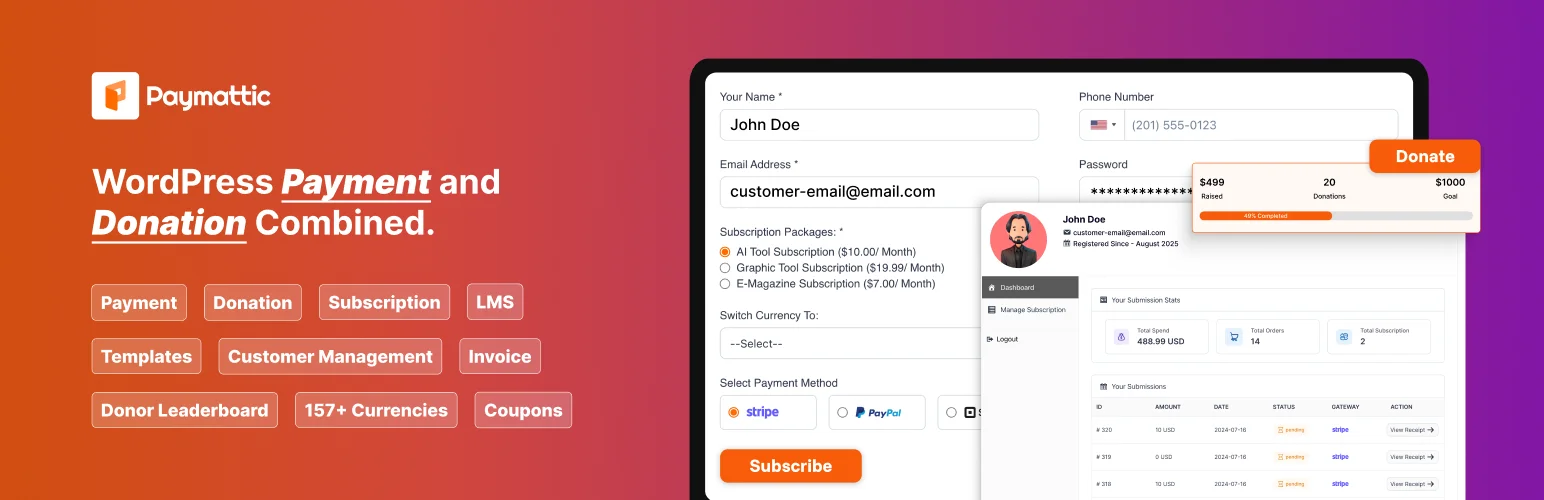
Paymattic is a versatile WordPress plugin for donations and payments, ideal for nonprofits, personal projects, and small businesses. It supports Stripe and PayPal, enabling secure payments globally, with no coding required for setup.
The plugin allows you to create one-time or recurring donation forms, customize fields, and add progress bars to engage donors. It also includes donor management, analytics, and integrates with email marketing tools like Mailchimp and FluentCRM for automated communication. Paymattic is mobile-friendly, supports multiple currencies, and provides detailed insights to optimize campaigns.
Pros:
- Quick and easy setup with no coding required.
- Supports Stripe, PayPal, and multiple currencies.
- Accept one-time and recurring donations.
- Progress bars and visual elements to engage donors.
- Real-time donor tracking and analytics.
- Automated emails and CRM integration.
Cons:
- Many advanced features are available only in premium plans.
- No Square payment gateway support.
- Free version has limited functionality.
Pricing:
While you have a limited free plugin, you will have to pay for premium features. The pricing plans are a conundrum as prices are quoted on a “monthly” basis, but at checkout, you will have to pay for an entire year. The lowest plan is $59.5 for a single-site license, thanks to a special “first year” discount. Plus, there are lifetime plans starting from $233.
3. Stripe for WooCommerce

Stripe for WooCommerce is a powerful payment gateway plugin that enables online stores to accept secure payments directly on their WordPress site. It supports major payment methods like credit cards, debit cards, Apple Pay, and Google Pay, allowing customers to complete transactions without leaving your site.
The plugin is easy to set up, supports recurring payments and subscriptions, and includes features like saved cards, automatic refunds, and detailed payment reporting. Fully PCI compliant and mobile-friendly, it ensures secure, seamless transactions in multiple currencies, providing a smooth checkout experience that boosts conversions.
Pros:
- Accepts major payment methods including cards, Apple Pay, and Google Pay.
- Smooth, on-site checkout to reduce cart abandonment.
- Supports recurring payments and subscriptions.
- Easy setup with WooCommerce integration.
- Mobile-optimized and multi-currency support.
- Advanced reporting and refund management.
Cons:
- Requires a Stripe account to function.
- Some advanced features may require WooCommerce extensions.
Pricing:
The “extension” is available for free. However, Stripe transaction fees apply as per Stripe’s pricing (typically around 2.9% + 30¢ per transaction).
4. WP Simple Pay
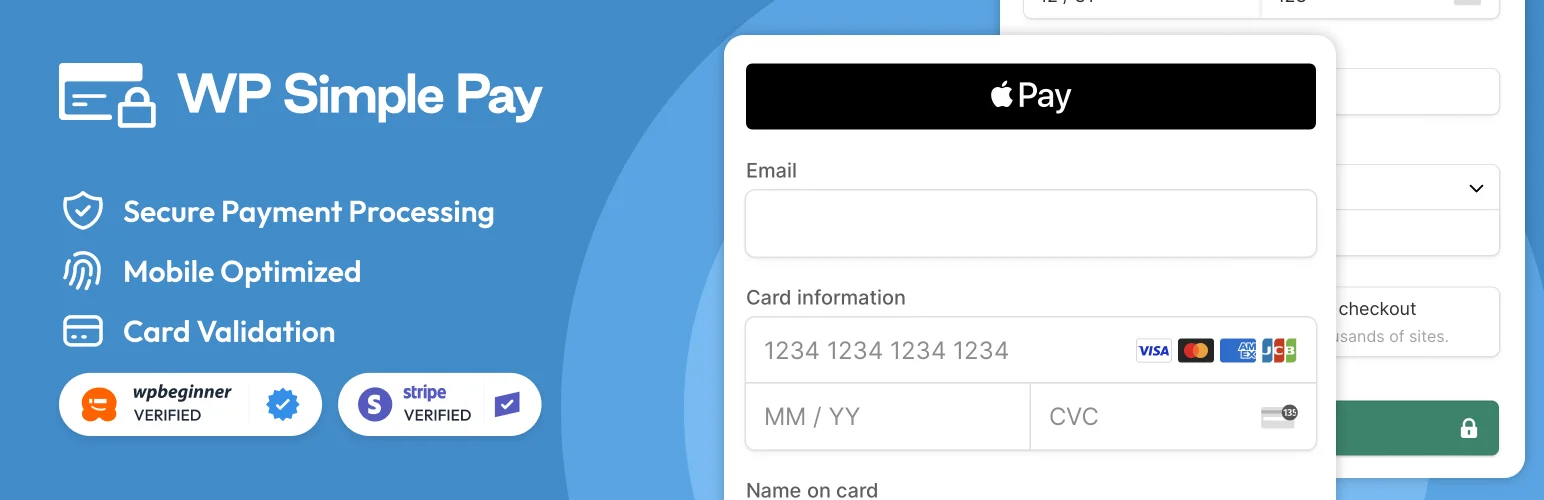
WP Simple Pay is a WordPress plugin that enables easy one-time and recurring payments without the need for a full e-commerce setup. It integrates seamlessly with Stripe, allowing secure payments directly on your site.
Ideal for donations, subscriptions, and simple sales, it features a user-friendly drag-and-drop form builder, recurring payments, coupon codes, and custom fields. WP Simple Pay is mobile-responsive, PCI compliant, and ensures a smooth, secure payment experience on any device.
Pros:
- Quick setup with no coding required.
- Supports one-time and recurring payments.
- Fully responsive and mobile-friendly.
- Customizable payment forms with a drag-and-drop builder.
- Secure Stripe integration with PCI compliance.
- Supports coupon codes, email confirmations, and custom fields.
Cons:
- Only works with Stripe.
- Some advanced features require the Pro version.
Pricing:
Once again, the core plugin is free, but the premium features will cost a pretty penny, starting from $49.50 per year.
5. WP Full Pay
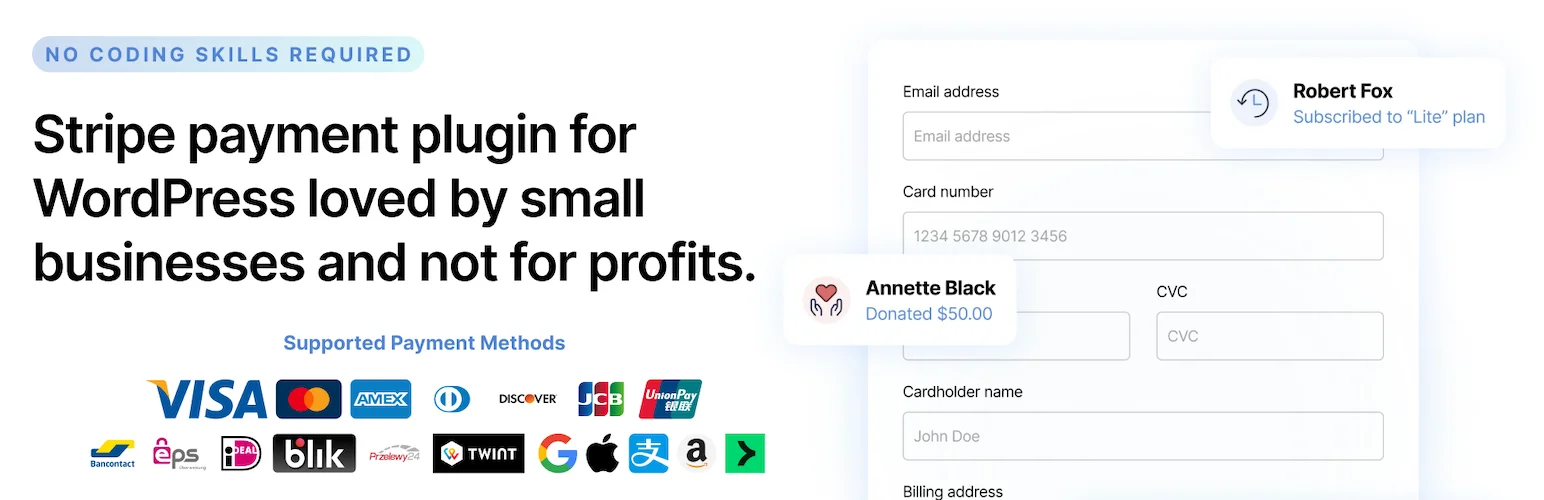
WP Full Pay is a simple WordPress plugin that handles payments, subscriptions, and recurring billing via Stripe. It allows businesses to create one-time payments, recurring subscriptions, and installment plans with minimal setup.
Ideal for membership sites, it features automatic subscription management (renewals and cancellations) and customizable payment forms. Lightweight, fast, and developer-friendly, WP Full Pay offers flexibility with hooks and filters for further customization.
Pros:
- User-friendly interface with quick installation.
- Supports one-time, subscription, and installment payments.
- Secure and seamless payment processing via Stripe.
- Developers can extend functionality with hooks and filters.
- Automates renewals, cancellations, and updates.
Cons:
- Only works with Stripe, lacking other payment options like PayPal.
- May not have the advanced tools some businesses need.
- Some users prefer PayPal for its global reach, which is not available.
- Less robust compared to other premium payment plugins.
- Other plugins may offer more advanced reporting, analytics, or integrations.
Pricing:
After playing around with the free plugin, you will have to pay at least $79.50 per year to unlock premium features.
6. WooCommerce PayPal Payments

WooCommerce PayPal Payments is the all‑in‑one checkout solution built by PayPal for WooCommerce stores. It supports PayPal, debit/credit cards, Venmo (in the US), Pay Later financing options, and local payment methods depending on the market.
The extension is designed to boost conversions by leveraging PayPal’s trusted brand, offering streamlined guest checkout (via “Fastlane”), and enabling card‑processing with fraud protection and global compliance built in.
Pros:
- Broad payment option coverage (PayPal, cards, Pay Later, Venmo) across many markets.
- Customers may feel more secure paying via PayPal.
- Built‑in fraud detection, instant access to funds (into a PayPal account), and compliance features like PCI/PSD2 support.
- Seamless integration with WooCommerce (official extension).
- Guest checkout and streamlined user experience (Fastlane) to reduce friction.
Cons:
- Some advanced markets/features (e.g., Venmo, Pay Later) are only available in limited regions (e.g., US), so global reach may vary.
- Integrations may involve higher transaction/service fees compared to simpler gateways.
- Requires up‑to‑date versions of WordPress, WooCommerce, and PHP; older setups may face compatibility issues.
- Some users may prefer gateways with more flexible or niche payment methods or local bank integrations that PayPal may not support yet.
Pricing:
The pricing for WooCommerce PayPal Payments follows a standard online transaction rate of 3.49% + $0.49 per transaction, with no monthly fee.
7. WooPayments

WooPayments is an integrated payment solution for WooCommerce stores, enabling merchants to accept credit and debit card payments, along with local payment methods, directly on their site. With no setup or monthly fees, it allows businesses to manage payments, track cash flow, handle disputes, and manage recurring revenue from the WooCommerce dashboard.
WooPayments supports multi-currency payments, offers fraud protection, PCI compliance, and 3D Secure authentication, and integrates with payment methods like WooPay, Apple Pay, Google Pay, and more.
Pros:
- Pay-as-you-go fees for transactions.
- Stripe Radar and customizable protection rules.
- Multi-currency support as it accepts payments in 135+ currencies.
- Set custom payout schedules or use Instant Payouts.
- Reduce cart abandonment with an easy and responsive checkout flow.
- No extra fees for security tools. Features like saved credit cards, 3D Secure, and Card Account Updater are included.
Cons:
- Limited availability for Instant Payouts. It is currently only available in the U.S.
- While the service is designed for WooCommerce, it may not be ideal for stores using other platforms.
- No dedicated 24/7 support. Some users may prefer more direct customer service options.
Pricing:
WooPayments uses a pay-as-you-go model with no monthly fees. The fees are:
- Domestic U.S. transactions: 2.9% + $0.30 per transaction.
- International transactions: 3.9% + $0.30 per transaction.
- In-person payments: 2.7% + $0.30 per transaction.
8. Payment Button for PayPal Plugin

The Payment Button for PayPal (WP PayPal) plugin allows you to easily integrate PayPal payment buttons like Buy Now, Add to Cart, Donation, and Subscription on your WordPress site using simple shortcodes. This plugin enables PayPal checkout, allowing customers to pay via PayPal or credit card, making it ideal for setting up an online store quickly without complex configurations. The plugin also supports PayPal Sandbox for testing transactions before going live.
Pros:
- The plugin is completely free with no hidden costs.
- Simple shortcode integration allows you to add payment buttons to your pages without extensive configuration.
- Customers can pay using PayPal or credit/debit cards, offering flexibility.
- Ability to test transactions before going live using PayPal Sandbox.
- Supports subscription payments on daily, weekly, monthly, or yearly schedules.
- Accept payments in any currency supported by PayPal.
- Allows donations, product sales, and more with various PayPal button options.
Cons:
- May not have as many features or customization options as other paid PayPal plugins.
- Since it’s not developed by PayPal directly, there may be some limitations or lack of support. It is not an official PayPal product.
- Lacks advanced features like advanced reporting or complex checkout flows.
- As a free plugin, support may be more limited compared to premium options.
Pricing:
The Payment Button for PayPal is a free WordPress plugin with no hidden fees. It allows you to add PayPal buttons like “Buy Now,” “Add to Cart,” and “Donation” to your site via shortcodes.
9. MyCryptoCheckOut
MyCryptoCheckout is a popular WordPress plugin designed for e-commerce sites, nonprofits, and businesses. However, you will need a cart plugin like WooCommerce for it to work.
It supports over 100 cryptocurrencies, including Bitcoin, Ethereum, Solana, BNB, and many altcoins, with peer-to-peer transactions that send funds straight to your wallet without middlemen or fees. The plugin offers a responsive checkout process that keeps users on-site, automatic payment detection via blockchain monitoring, and options like HD wallet support, one-click payments with wallets such as MetaMask or Phantom, and a donations widget via shortcode.
Pros:
- Easy setup with responsive on-site checkout
- Zero transaction fees with peer-to-peer payments sent directly to user wallets.
- Unlimited transactions for a one-time flat fee.
- Supports over 100 cryptocurrencies with real-time exchange rates.
- Ability to fiat autosettlement to USD or stablecoins to mitigate volatility.
Cons:
- Relies on blockchain monitoring for payment detection, which can introduce delays if networks are congested or confirmation speeds vary.
- Dependent on WooCommerce for full functionality.
Pricing:
The free version allows up to 5 sales (or transactions) per month with full access to core features. The free plugin is excellent for testing or low-load websites. However, it’s better to pay up if your website attracts more than five transactions. A flat-rate pro license starts around $57 per year for unlimited transactions, which is not bad for such a plugin.
| Plugin | Starting Price | Square Support | Transaction Fees | Features |
| WP EasyPay | Free (Premium $69/year) | Yes | No | One-time and recurring payments. Customizable and mobile-optimized forms. Enables email automation. Multiple form display options. |
| Paymattic | Free (Premium $9.99/month) | Yes, Paymattic has Square support, but it requires the Paymattic Pro subscription. | No | Supports Stripe, PayPal, and multiple currencies, one-time and recurring donations, progress bars, donor tracking, email marketing and CRM integration |
| Stripe for WooCommerce | Free | No | 2.9% plus 0.3% for each successful domestic card transaction. International cards incur an additional 1% fee for non-U.S. cards, plus a 1.5% charge for international card transactions. | One-time and recurring payments. Apple Pay and Google Pay support. Easy setup with WooCommerce with detailed reporting and multi-currency support. PCI compliant. |
| WP Simple Pay | Free (Pro $49.50/year) | No | 3%, but this extra fee is removed with a WP Simple Pay Pro license | One-time and recurring payments. Customizable forms. Drag-and-drop builder. Secure Stripe integration. Mobile-friendly designs with coupon codes and thank-you email support. |
| WP Full Pay | Free (Premium $79.50/year) | No | WP Full Pay has no extra transaction fees if you have a license; however, the free version has a 5% fee per-transaction. | One-time, subscription, and installment payments. Customizable payment forms, Stripe integration. Automatic renewals/cancellations. |
| WooCommerce PayPal Payments | Free | No | 3.49% + $0.49 per transaction | Supports PayPal, cards, Venmo, Pay Later, guest checkout, PCI compliance, fraud detection, multi-currency, no monthly fees |
| WooPayments | Pay-as-you-go. Starting from 2.9% + $0.30 per transaction. | Yes, but is not a direct integration so can be a problem | Domestic 2.9% + $0.30; International 3.9% + $0.30; In-person 2.7% + $0.30. | Supports multiple gateways (WooPay, Apple Pay, Google Pay), recurring payments, customizable payout schedules, fraud protection, multi-currency, mobile-friendly. |
| Payment Button for PayPal | Free | No | The fee is often 3.49% + $0.49 per transaction, but this can vary. | Simple shortcode integration for PayPal buttons (Buy Now, Add to Cart, Donations), PayPal Sandbox for testing. Supports subscriptions and multi-currency. |
| MyCryptoCheckOut | Free (Yearly $57) | No | 0% transaction fees. First 5 transactions are free. | Easy setup with responsive on-site checkout. Runs with WooCommerce. Use any crypto wallet you want. |
Which Plugin Should You Choose?
If you’re looking for the best payment plugin for collecting Square payments and donations, WP EasyPay is the ideal choice. It offers a user-friendly, Square-powered solution with flexible, simple setup options for one-time or recurring payments and donations. With customizable forms and a strong donor experience, WP EasyPay helps business owners launch successful campaigns without the hassle of complex configurations.
Final Thoughts
Kickstart your payment journey today! With WP EasyPay, you can easily set up secure, flexible payment forms powered by Square, and start collecting funds from customers worldwide. Empower your business, engage your community, and turn your ideas into reality. Remember, every project starts with a simple, seamless Square payment solution.