




Studies reveal 72% of people give to charity, donating an annual average of $1,212 across about 4.5 organizations, showing how nonprofits, creators, and community projects are thriving online. WordPress remains the go-to platform for digital fundraising. When collecting donations, having the right WordPress donation plugin can make all the difference.
In 2025, the online fundraising tools market is projected to reach $1.58 billion, reflecting how nonprofits, creators, and community projects are thriving online. WordPress remains the go-to platform for digital fundraising. When collecting donations, having the right WordPress donation plugin can make all the difference.
In this blog, we’ll explore the 7 best donation plugins for WordPress in 2025, comparing their key features, advantages and drawbacks, and pricing, so that you can find the best fit for your nonprofit’s fundraising needs.
How to Pick the Right WordPress Donation Plugin: Key Features
When selecting a WordPress donation plugin, there are several essential features to consider:
- Check if your desired plugin is compatible with popular payment gateways such as PayPal, Stripe, and Square to provide smooth and secure transactions for your donors.
- Look for a plugin that supports recurring donations. This feature is a game-changer because it helps create a steady stream of income for your cause, making it easier to plan and sustain long-term fundraising efforts.
- Given the rise in mobile usage, it’s critical to choose a plugin that is mobile-optimized, ensuring a seamless experience for donors across all devices.
- While some plugins are free, others charge transaction fees or require a premium plan for extra features. Be sure to choose a plugin that fits within your budget and offers the features you need.
8 Game-Changing WordPress Plugins to Boost Your Donations and Fundraising
Want to elevate the fundraising strategy and impact for your nonprofit organization? The right WordPress donation plugin can help you collect more funds, engage donors, and streamline your campaigns. In this post, we’ve rounded up the top 7 plugins that offer everything from easy payment integrations to mobile optimization. Let’s dive in and find the perfect fit for your nonprofit’s needs!
1. WP EasyPay

If you’re looking for a simple, secure, and modern way to collect donations on your WordPress site, WP EasyPay is one of the best donation plugins for WordPress in 2025. This powerful plugin lets you accept donations directly through Square, offering a seamless checkout experience for both nonprofits and individual fundraisers. Whether you want to set up one-time donations, recurring gifts, or multi-step campaigns, WP EasyPay makes the process fast and user-friendly. No coding or complex setup required.
One of the biggest strengths of WP EasyPay is its flexibility. You can display donation forms in multiple layouts, such as single form, pop-up, or form wizard, to match your site’s style. It’s fully responsive, so forms look great on smartphones, tablets, and desktops.
The plugin also sends instant email notifications to both admins and donors after each transaction, helping you stay organized and connected. Plus, its detailed reporting dashboard gives you full visibility into donation activity, so you can track funds, manage records, and analyze performance all in one place.
Advantages:
- Deep and seamless integration with Square for secure, real-time transactions.
- Multiple form display options: pop-up, wizard, or embedded layouts.
- Supports recurring donations and custom payment amounts.
- Instant email confirmations for transparency and trust.
- Fully responsive design optimized for all devices.
- Simple setup with no coding needed, ideal for beginners.
- Works smoothly with caching and security plugins.
- Reliable customer support and regular feature updates.
Disadvantages:
- Currently supports only Square as a payment gateway.
- Some advanced features are available only in premium plans.
Pricing:
A free version is available, while premium plans start at $69 per year for the Standard plan, $99 per year for the Professional plan, and $129 per year for the Business plan. Lifetime and multi-license options are also available for users seeking long-term access and multiple site installations.
2. Donation for WooCommerce

Donation for WooCommerce is a smart and reliable fundraising plugin built specifically for WooCommerce stores. It offers you the best way to collect donations without disrupting the shopping experience. If you’re running an online store while supporting a nonprofit, charity, or social cause, this plugin lets you turn everyday purchases into meaningful contributions with a smooth and professional setup.
With this plugin, you can easily create both one-time and recurring donation campaigns directly inside your store. Donors can donate from product pages, the cart, checkout, or through dedicated donation sections, making the process feel natural and convenient. By integrating with WooCommerce Subscriptions, you can also offer daily or monthly recurring donations, which is perfect for building long-term support for ongoing causes.
One of the biggest highlights is the real-time campaign dashboard, giving you a clear overview of your fundraising performance. The plugin also focuses on building strong relationships with donors. Automatic thank-you emails, customizable e-cards, and official PDF receipts help create a professional and heartfelt experience after every contribution.
Advantages:
- Complete campaign management with goal tracking and real-time insights
- Supports both one-time and recurring donation options
- Flexible donation amounts with min/max controls
- Multiple placement options across your entire site
- Automatic emails, e-cards, and PDF receipts for donors
- Round-up donations and multi-cause support features
- Developer-friendly API for custom integrations
- Regular updates and priority customer support
Disadvantages:
- Requires WooCommerce to be installed on your site
- Recurring donations need the separate WooCommerce Subscriptions plugin
Pricing:
There are three plans available for Donation for WooCommerce: Basic at $99.99/year (single site), Pro at $149.99/year for 3 sites, and Agency at $199.99/year for 100 sites. All plans include priority support and a 14-day money-back guarantee.
3. Paymattic
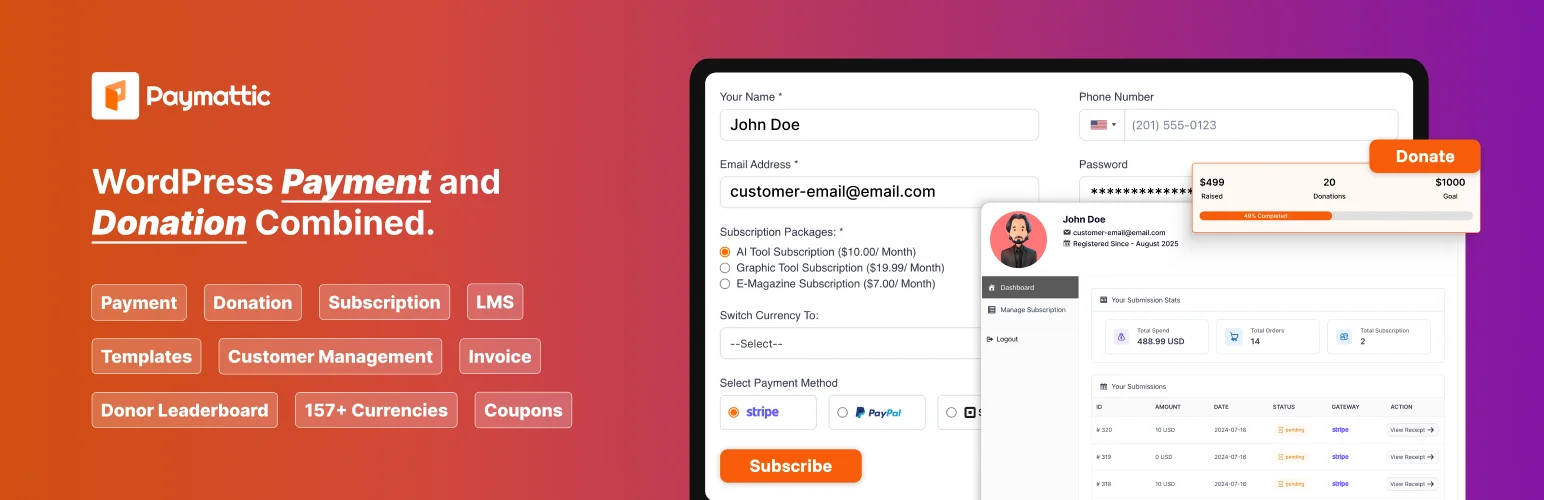
Paymattic is a fast-growing WordPress donation and payment plugin known for its simplicity, clean design, and powerful features. Whether you’re running a nonprofit campaign or raising funds for a personal project, Paymattic makes it easy to collect payments securely through Stripe, PayPal, and several other gateways. The setup process is straightforward—install the plugin, create a form, and start collecting donations in minutes.
One of Paymattic’s biggest strengths is its flexibility. You can create one-time or recurring donation forms, customize form fields, and even show progress bars to keep supporters engaged. It also offers real-time reporting and donor data tracking, allowing you to analyze campaign performance easily. Another handy feature is the integration with email marketing tools like Mailchimp and FluentCRM, helping you automate thank-you emails and donor follow-ups.
While Paymattic offers impressive functionality, its free version is somewhat limited. Many advanced features, such as multiple payment gateways and automation tools, are locked behind higher-tier plans. Also, compared to other plugins, it requires a bit more setup time for beginners.
Advantages:
- Clean, user-friendly design and quick setup.
- Supports Stripe, PayPal, and multiple currencies.
- Offers recurring donations and donor analytics.
- Integrates with CRM and email tools for automation.
- Great for both nonprofits and small businesses.
Disadvantages:
- Advanced features are available only in premium plans.
- No Square payment gateway support.
- Limited free version functionality.
Pricing:
A free version is available, while premium plans start at $9.99 per month for a single-site license, $19.99 per monthfor a 20-site license, and $29.99 per month for unlimited site licensing.
4. Fundraising for WooCommerce

Fundraising for WooCommerce is a feature-rich plugin designed to transform your WooCommerce store into a complete fundraising platform. It enables nonprofits, small businesses, and individuals to collect donations on WordPress, launch campaigns, and even combine product sales with charity drives, all within the same ecosystem.
With this plugin, every donation becomes as simple as placing an order, and every campaign can be tracked through familiar WooCommerce tools. You can display fundraising goals, add progress bars, and offer flexible donation options to suit different needs.
Its seamless integration with WooCommerce means you don’t need any coding skills or complex setup to start collecting funds. Whether you’re raising money for a cause, supporting a project, or encouraging customer contributions, this plugin gives you full control over your fundraising journey.
Advantages:
- Integrates smoothly with WooCommerce for easy setup and campaign management.
- Lets users create multiple campaigns and track goals with progress bars.
- Supports both fixed and custom donation amounts.
- Works with major WooCommerce payment gateways for global transactions.
- Allows combining eCommerce product sales and fundraising campaigns in one place.
- Ideal for users already comfortable with WooCommerce’s interface.
Disadvantages:
- Works only with WooCommerce, so it’s not suitable for websites without it.
- Might feel complex for beginners unfamiliar with WooCommerce settings.
- Some advanced features, like analytics and email automation, require extra extensions.
- Limited built-in donor management tools compared to specialized donation plugins.
Pricing:
Premium plans start at $49 per year for aone-year license, or $98 for a two-year license.
5. GiveWP
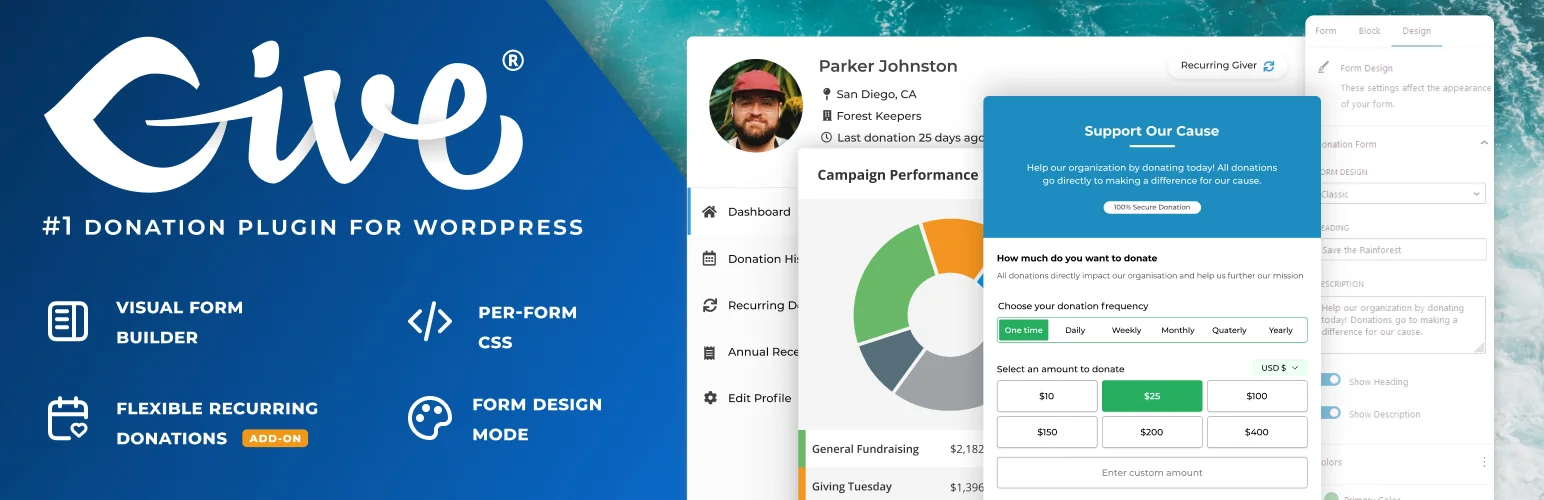
When it comes to online fundraising, GiveWP is one of the most recognized and widely used WordPress donation plugins. It’s built for nonprofits, charities, and individuals who want to accept donations directly through their websites.
The plugin offers customizable donation forms that blend well with any theme, letting you set goals, show progress bars, and collect both one-time and recurring donations. Its interface is modern, and the setup process is straightforward for basic campaigns.
GiveWP also includes a detailed reporting system where you can track donations, monitor campaign progress, and manage donor information in one place. It integrates with popular marketing tools like Mailchimp, Constant Contact, and ConvertKit, making it easier to stay in touch with supporters and send personalized thank-you emails.
Advantages:
- User-friendly form builder with flexible design options.
- Compatible with multiple gateways like PayPal, Stripe, and Authorize.net.
- Advanced donor management and reporting features.
- Wide range of add-ons for specific fundraising needs.
- Responsive forms that work well on mobile devices.
Disadvantages:
- Many essential features, like recurring donations, require paid add-ons.
- Can get expensive when combining multiple extensions.
- Might be overwhelming for beginners due to the complex settings.
- Does not natively support Square payments without an add-on.
- Can slow down websites when several add-ons are installed.
- The dashboard may feel complex for beginners compared to simpler plugins like WP EasyPay.
Pricing:
A free version is available, while paid plans start at $149 per year for the Basic plan, $349 per year for the Plus plan (most popular), and $499 per year for the Pro plan.
6. Charitable

Charitable is another popular and reliable WordPress donation plugin that helps nonprofits and organizations raise funds directly through their websites. It’s designed to make fundraising easy without taking a percentage of your donations, which makes it appealing for small charities and community projects. You can create unlimited fundraising campaigns, set donation goals, and even collect donations via PayPal, Stripe, or offline methods like bank transfers.
Charitable’s biggest advantage is that it allows you to create peer-to-peer fundraising campaigns, crowdfunding projects, and time-sensitive donation drives, all from within WordPress. The plugin also provides simple customization tools, so you can adjust donation forms, buttons, and messaging to match your brand.
However, while Charitable is great for basic fundraising, some advanced features require paid extensions. For example, recurring donations, automatic email receipts, and additional payment gateways are only available in the premium version. The setup can also feel a bit more technical, especially for beginners who prefer an easy drag-and-drop form builder.
Advantages:
- No transaction fees on donations.
- Create unlimited fundraising campaigns.
- Supports PayPal, Stripe, and offline donations.
- Offers peer-to-peer and crowdfunding options.
- Good flexibility for custom campaign types.
Disadvantages:
- Key features like recurring donations and email automation require paid add-ons.
- Interface isn’t as beginner-friendly as plugins like WP EasyPay.
- Limited real-time reporting and analytics in the free version.
- Some payment gateways need manual setup.
Pricing:
A free version of Charitable is available with basic features. Paid plans start at $149 per year for the Basic plan, $199 per year for the Plus plan, $399 per year for the Pro plan, and $599 per year for the Elite plan.
7. WPForms
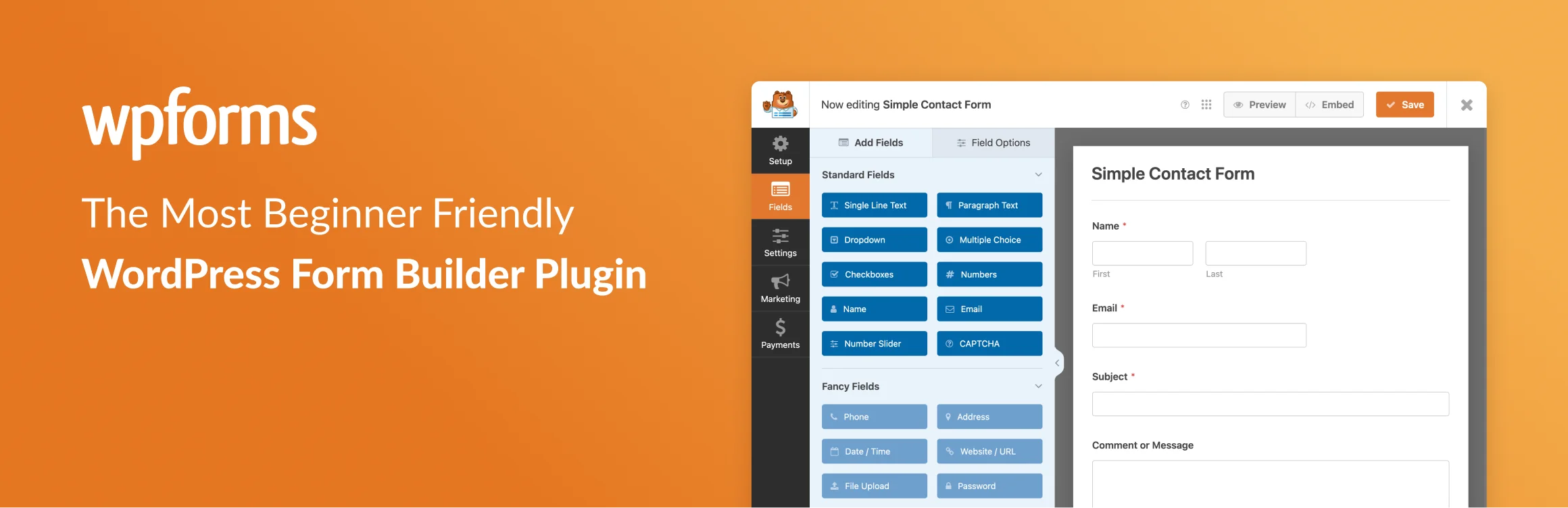
WPForms is one of the most beginner-friendly form builder plugins for WordPress, and with its Donations Add-on, it becomes a powerful tool for collecting online contributions. The plugin allows you to create custom donation forms using a simple drag-and-drop interface, so you don’t need any coding experience. Whether you’re collecting one-time donations or recurring gifts, WPForms makes it easy to embed forms anywhere on your site — in posts, sidebars, or landing pages.
The plugin integrates smoothly with major payment gateways like PayPal, Stripe, and Square, allowing donors to contribute through their preferred method. It also lets you add custom donation amounts, form fields, and messages to personalize each campaign. You can connect WPForms to your email marketing platform, such as Mailchimp or AWeber, to automatically follow up with donors and build long-term relationships.
While WPForms is excellent for flexibility and ease of use, its donation features are more limited compared to dedicated fundraising plugins. For example, it lacks built-in donor management tools and detailed reporting dashboards. If your focus is large-scale fundraising or recurring donation management, you might find specialized plugins that are more efficient and affordable.
Advantages:
- Super easy drag-and-drop form builder.
- Integrates with PayPal, Stripe, and Square.
- Mobile-friendly and beginner-friendly.
- Works with email marketing tools for follow-ups.
Disadvantages:
- Limited donor management and analytics tools.
- Lacks advanced fundraising features like goal tracking.
- Recurring donations require third-party integrations.
Pricing:
A free version is available, while premium plans start at $99 per year for the Standard plan, $199 per year for the Plus plan, $399 per year for the Pro plan, and $599 for the Elite Plan.
8. Donorbox
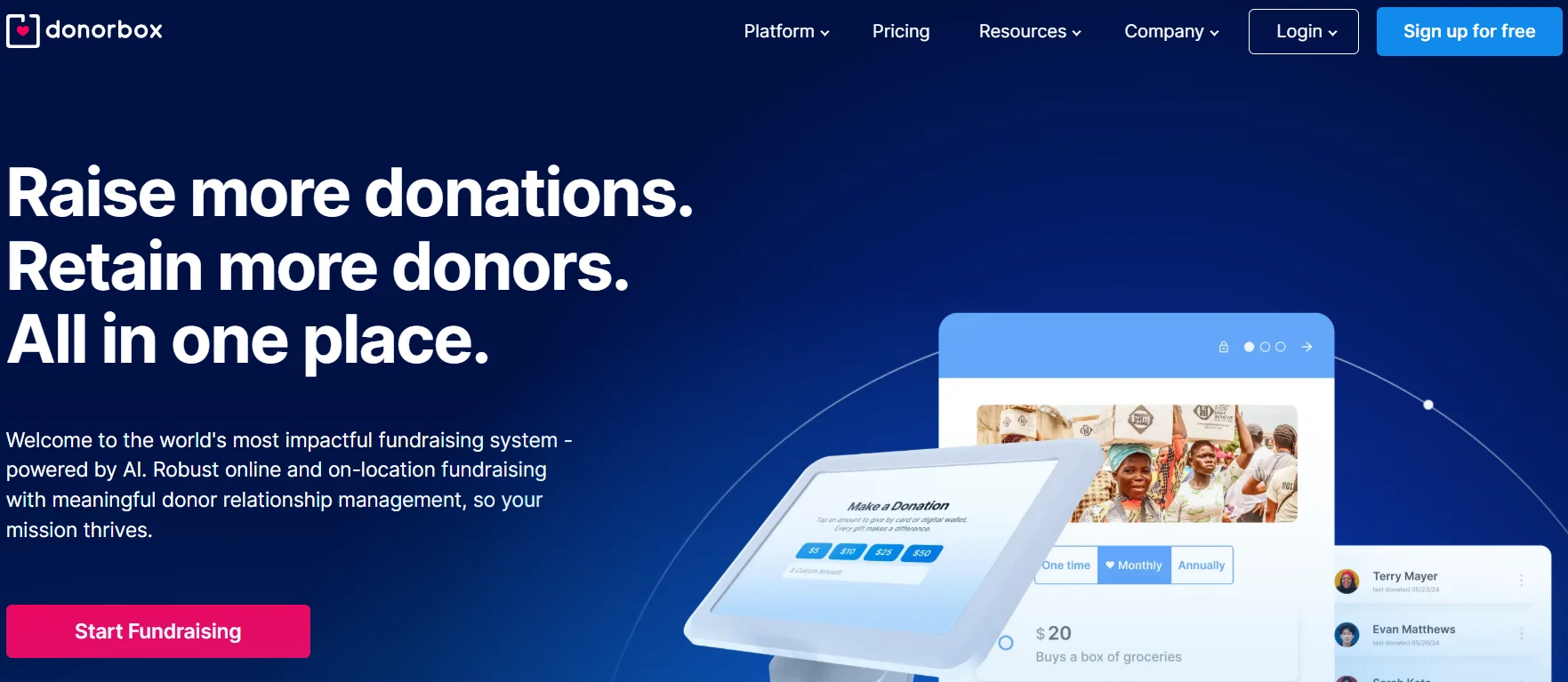
Donorbox is a powerful fundraising tool that helps nonprofits, churches, and charitable organizations accept online donations easily through WordPress. Unlike most traditional WordPress donation plugins, Donorbox is a hosted platform that integrates seamlessly with your website via a simple embed or plugin.
It supports multiple currencies, payment gateways, and donation types, including one-time, recurring, and peer-to-peer donations. The plugin is known for its quick setup, beautiful form design, and secure checkout experience.
Donorbox also provides advanced features such as donor management, analytics, goal tracking, and corporate matching options, making it ideal for organizations that want an all-in-one fundraising solution without heavy customization.
Advantages:
- Simple integration with WordPress, just embed or use the plugin to connect.
- Supports multiple payment gateways like Stripe, PayPal, Apple Pay, and Google Pay.
- Offers recurring donations, donor management, and fundraising analytics.
- Provides corporate matching, text-to-give, and peer-to-peer fundraising options.
- Excellent for international nonprofits with multi-currency and multilingual support.
Disadvantages:
- Platform and payment processing fees are applied per transaction, depending on the features used, in addition to standard payment gateway charges.
- Limited customization options unless you upgrade to paid tiers.
- Works through an external platform, not a fully native WordPress plugin.
- Some advanced features (like CRM integrations) are available only in premium plans.
Pricing:
The Standard Plan is free to use, while the Pro Plan costs $150 per month. For the Premium Plan, you can contact the Donorbox team for a custom quote. Platform and payment processing fees are lower in the Pro Plan and further reduced in the Premium Plan.
Comparison Table: Best WordPress Donation Plugins in 2026
| Plugin | Free Version | Square Support | Starting Price (Paid Plans) |
| WP EasyPay | ✅ Yes | ✅ Yes | $69/year |
| Donation for WooCommerce | ✅ Yes | ✅ Yes (via WooCommerce) | $99.99/year |
| Paymattic | ✅ Yes | ✅ Yes (only PRO version) | $9.99/month for a single-site license, $19.99/month for a 20-site license, $29.99/month forunlimited site licensing. |
| Fundraising for WooCommerce | ✅ Yes | ✅ Yes (via WooCommerce) | $49/year |
| GiveWP | ✅ Yes | ✅ Yes (Add-on) | $149/year |
| Charitable | ✅ Yes | ✅ Yes | $149/year |
| WPForms (Donations Add-on) | ❌ No (Add-on Only) | ✅ Yes (Add-on) | $99/year |
| Donorbox | ✅ Yes | ✅ Yes | $150/month |
Which Plugin Should You Choose?
With so many great WordPress donation plugins available, the right choice depends on your needs. But if you want a complete, user-friendly, and Square-powered solution, WP EasyPay is your best pick. It combines flexibility, speed, and simplicity in one plugin, helping you collect one-time or recurring donations with ease.
Unlike other tools that require multiple add-ons or complex setups, WP EasyPay keeps things streamlined, allowing you to focus on your mission, not on managing technology. Its clean interface, customizable payment forms, and strong donor experience make it stand out among other plugins.
Whether you’re a small nonprofit, a faith-based organization, or a community fundraiser, our plugin gives you everything you need to launch successful campaigns and accept donations securely through Square.
Summing Up
With the right WordPress donation plugin, it’s easier than ever to turn generosity into real impact. By choosing a reliable, easy-to-use solution, you can accept donations seamlessly, engage your supporters, and build trust with every transaction.
Each campaign you run, no matter how small, has the power to create meaningful change. So don’t wait. Set up your donation form today with WP EasyPay and take the first step toward growing your cause, one contribution at a time.